
Expand Text
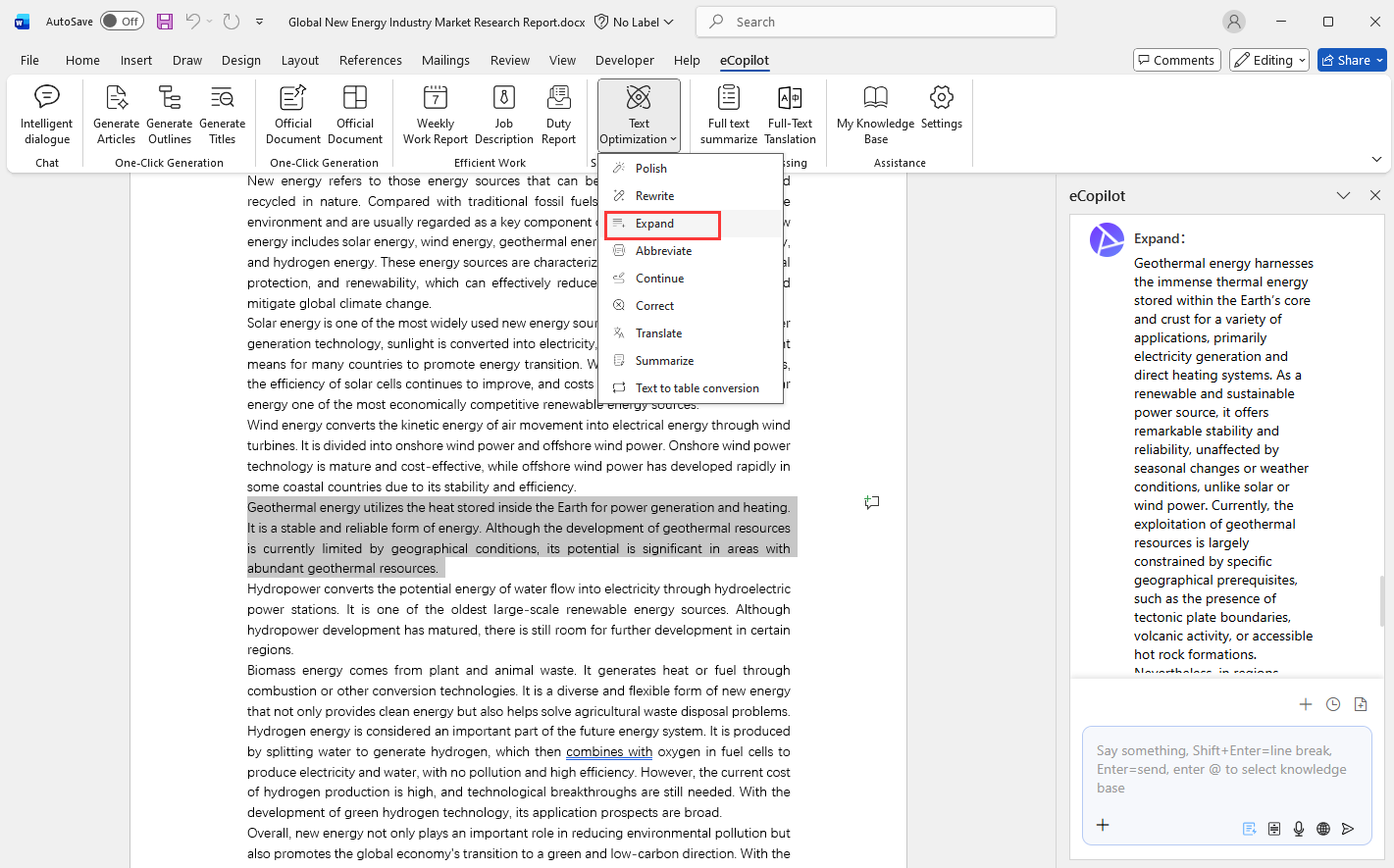
Select the text, click the Expand menu. After generation is complete, click Apply to replace the selected text or insert it at the cursor position, as shown in Figure 2.14.
Select the text, click the Expand menu. After generation is complete, click Apply to replace the selected text or insert it at the cursor position, as shown in Figure 2.14.