Weekly & Daily Report Generation
Operation Steps
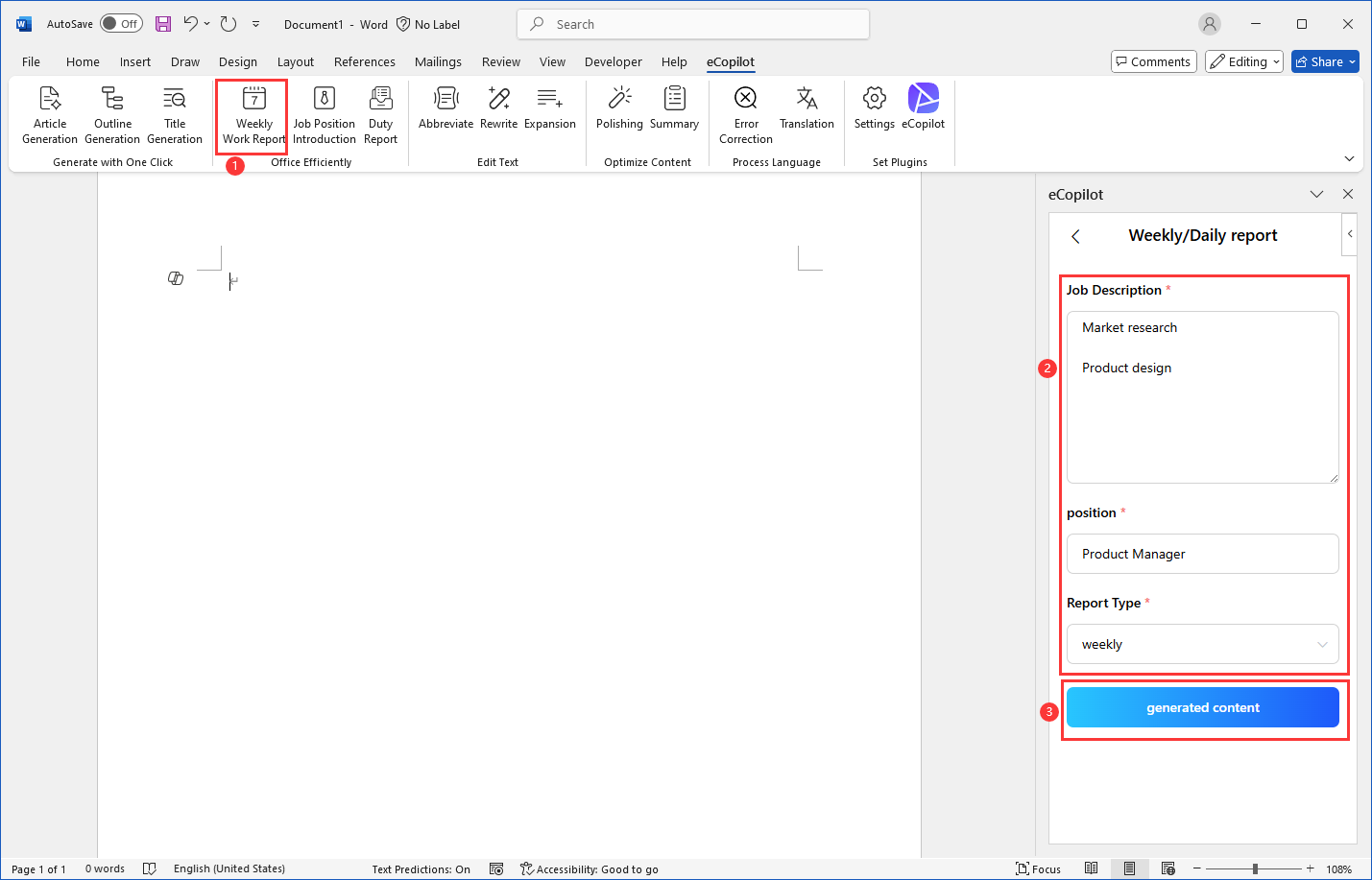
- Click the [Weekly/Daily Report] menu to guide to the creation page. Enter the information as required, then [Generate Content], as shown in figure.
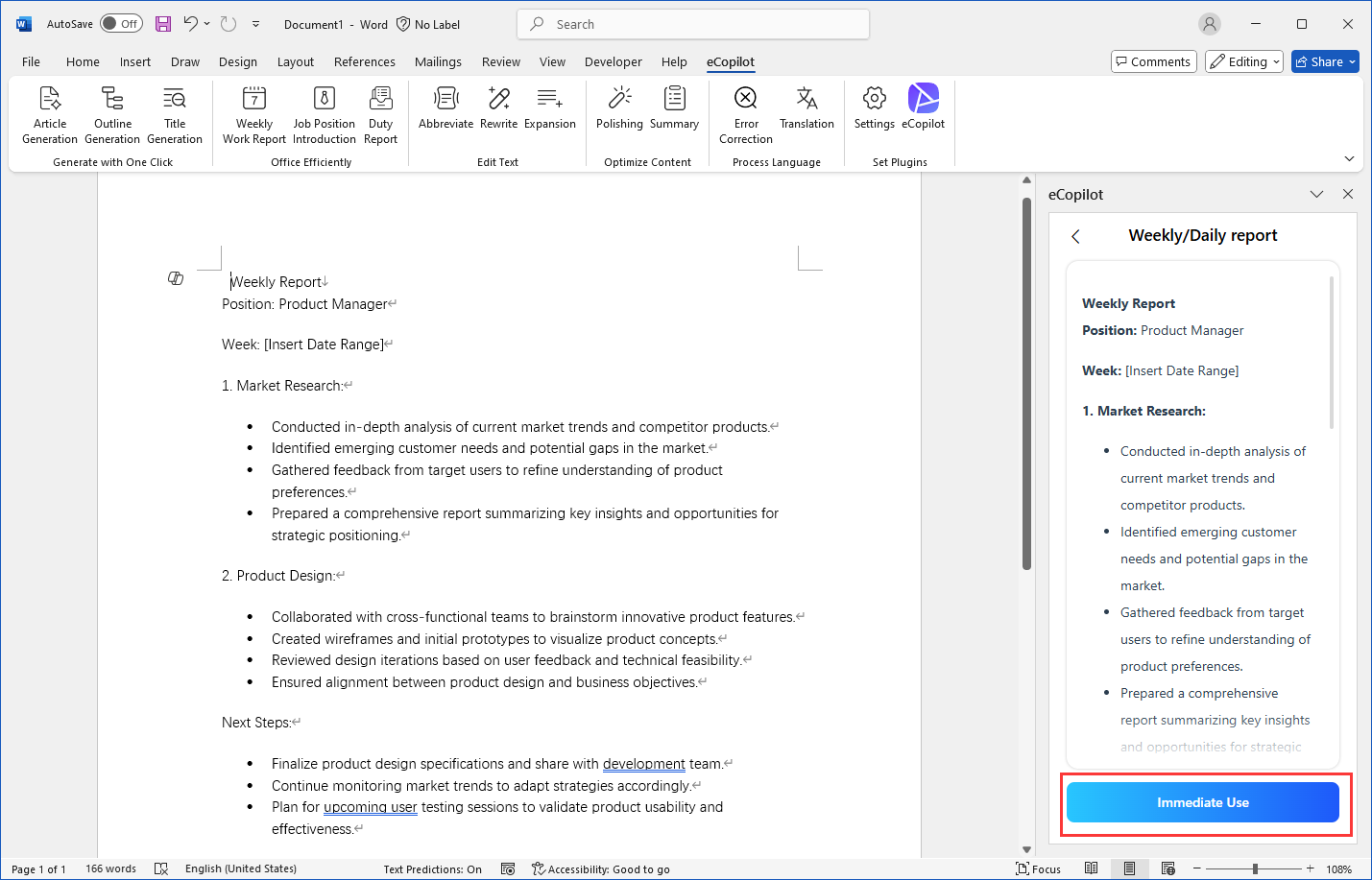
- After the generation is completed, click the [Immediate Use] button to insert the content into the cursor position, as shown in figure.