Change Layouts
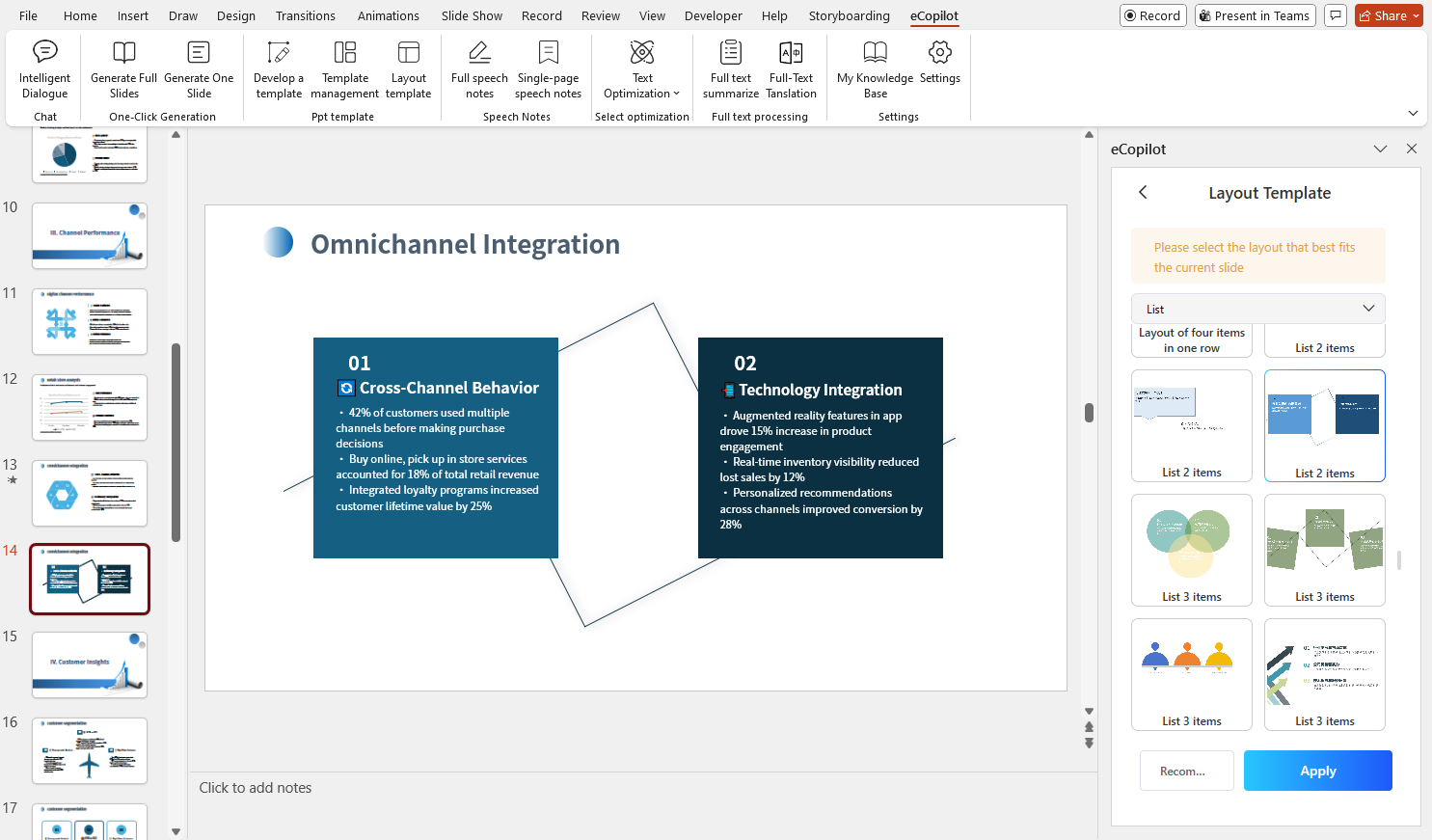
Open a PPT file and select the slide whose layout you want to change. In eCopilot, click Layout Templates, as shown in Figure 1.39.

On the right, select an appropriate layout and click Apply. A new slide will be added below the current one with the selected layout, as shown in Figure 1.40.