
Generate Sample Data
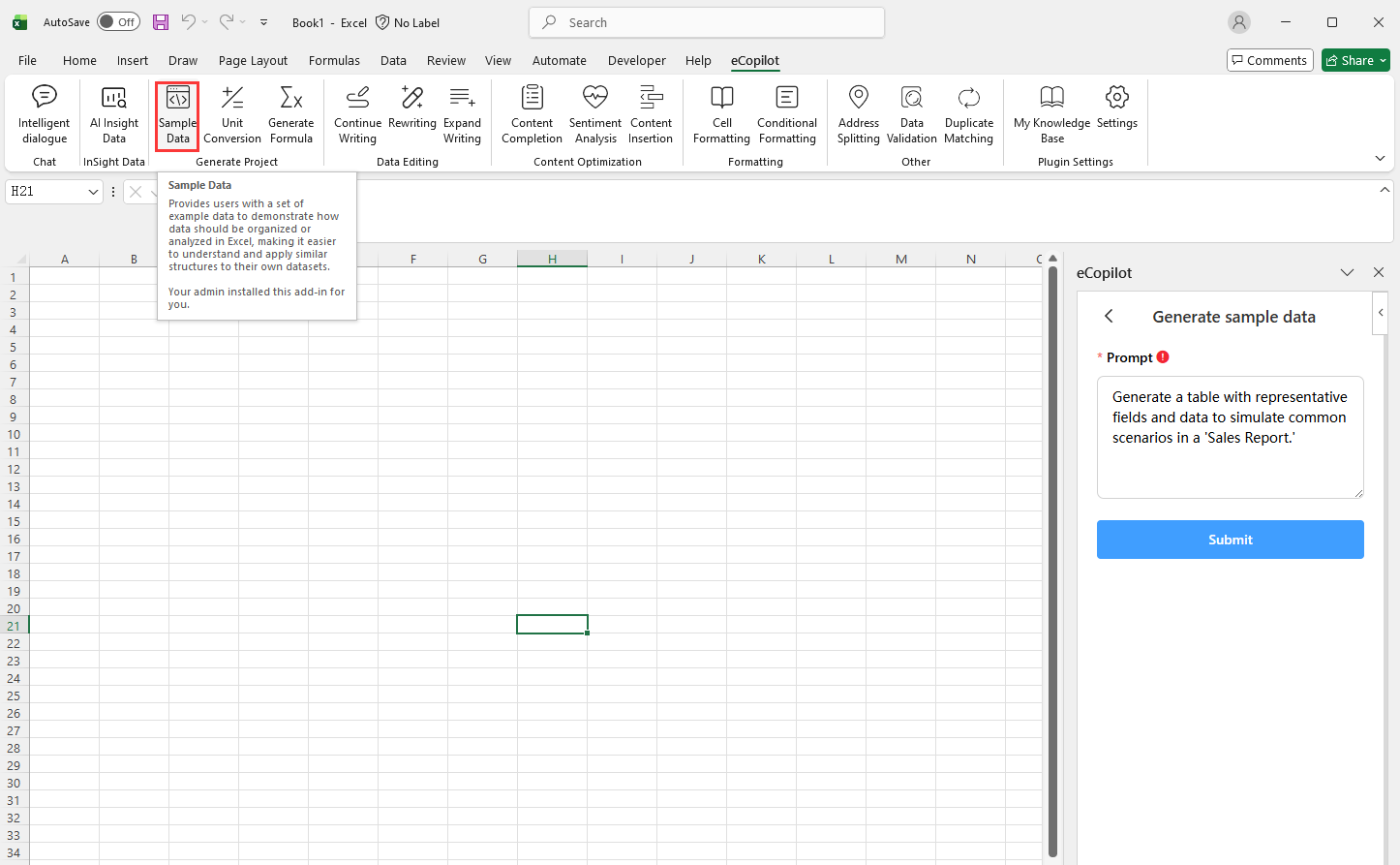
Click Sample Data under eCopilot on the top ribbon, enter your requirement, then click Submit. The generated result will appear in the Excel sheet, as shown in Figure 4.4. Note: Click  to view the operation guide.
Click Sample Data under eCopilot on the top ribbon, enter your requirement, then click Submit. The generated result will appear in the Excel sheet, as shown in Figure 4.4. Note: Click to view the operation guide.