
Login
Prerequisites
- Installed eCopilot plugin for Excel
Operation Steps
In Excel, click the [eCopilot] menu in the menu bar to open the login page. Enter the username, password, and verification code, then click "Login", as shown in figure.
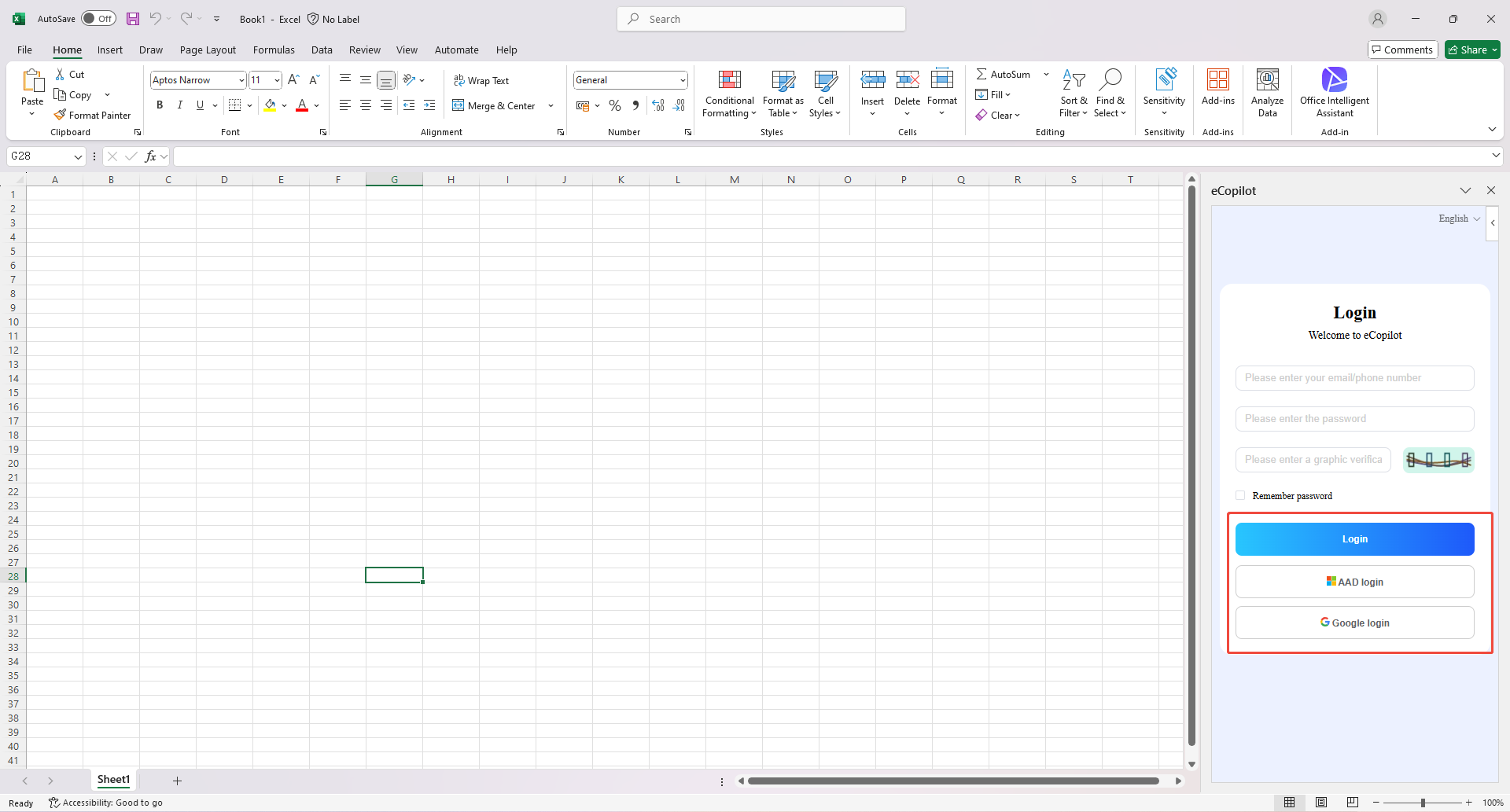
If the AAD/Google configuration is added to the backend and AAD/Google user information is imported, you can also use your enterprise AAD/Google account to log in. Click the [AAD/Google Login] button to jump to the Azure/Google authentication page, enter the enterprise user's email and password to log in.