Generate Single Slide
Click Generate One Slide to go to the creation page, as shown in Figure 1.7.
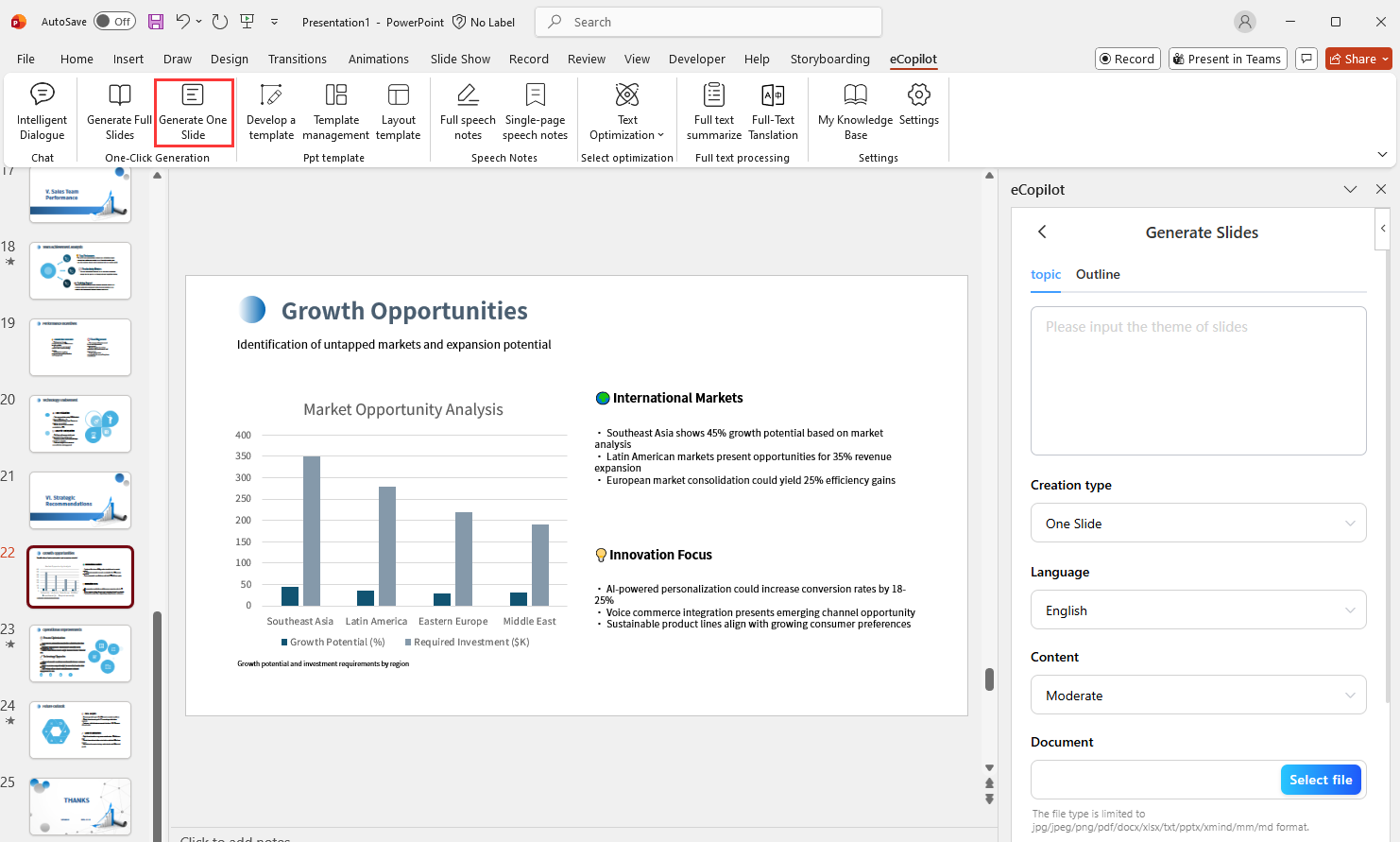
- Theme: Enter the topic and requirements, e.g., "Team Collaboration Status".
- Document: If you need to generate PPT based on document content, you can upload documents here.
- Reference Knowledge Base Files: Select files stored in
My Knowledge Baseif needed.
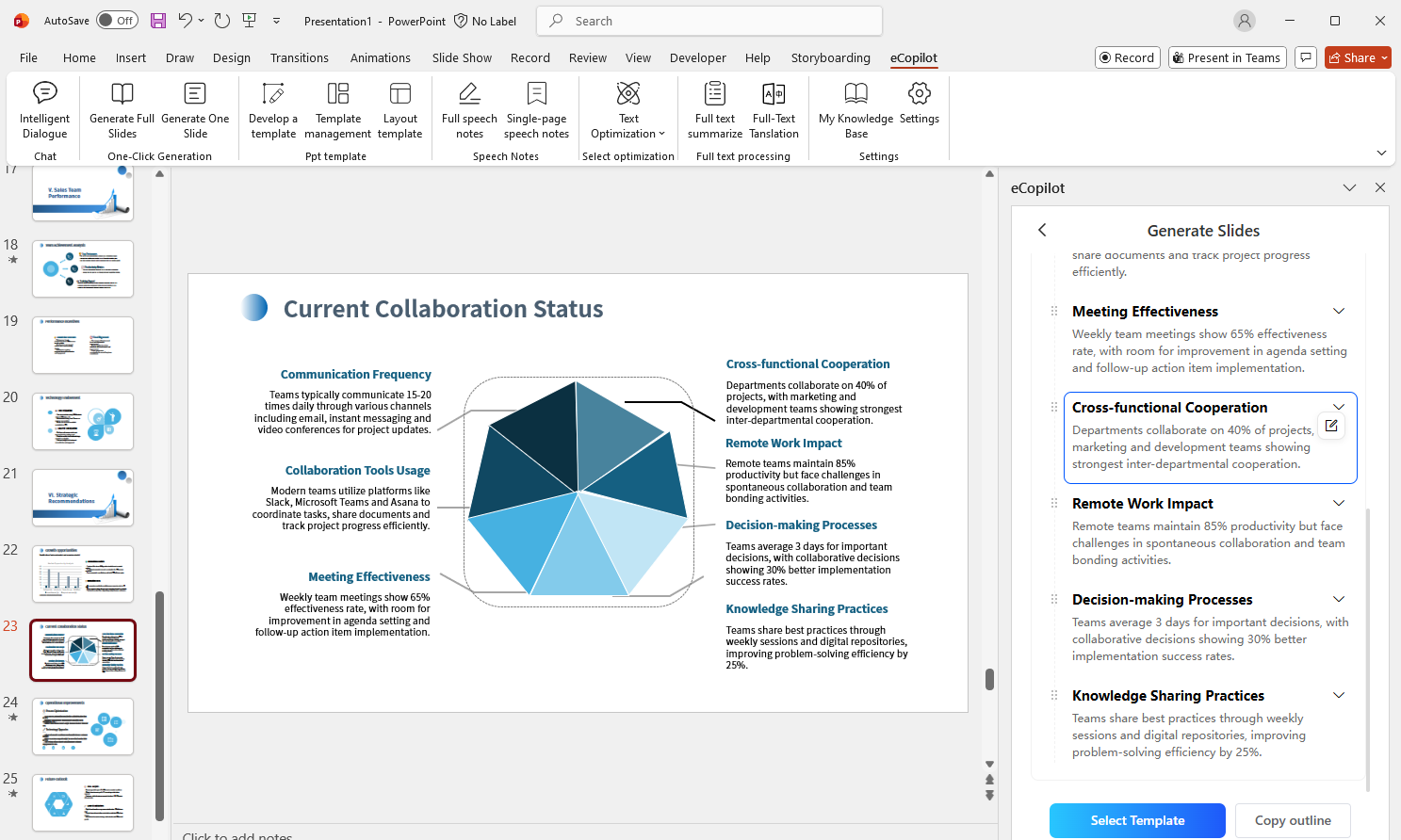
Click Generation and wait for AI to produce content. You can add, delete, modify, and reorder titles and content, as shown in Figure 1.8.
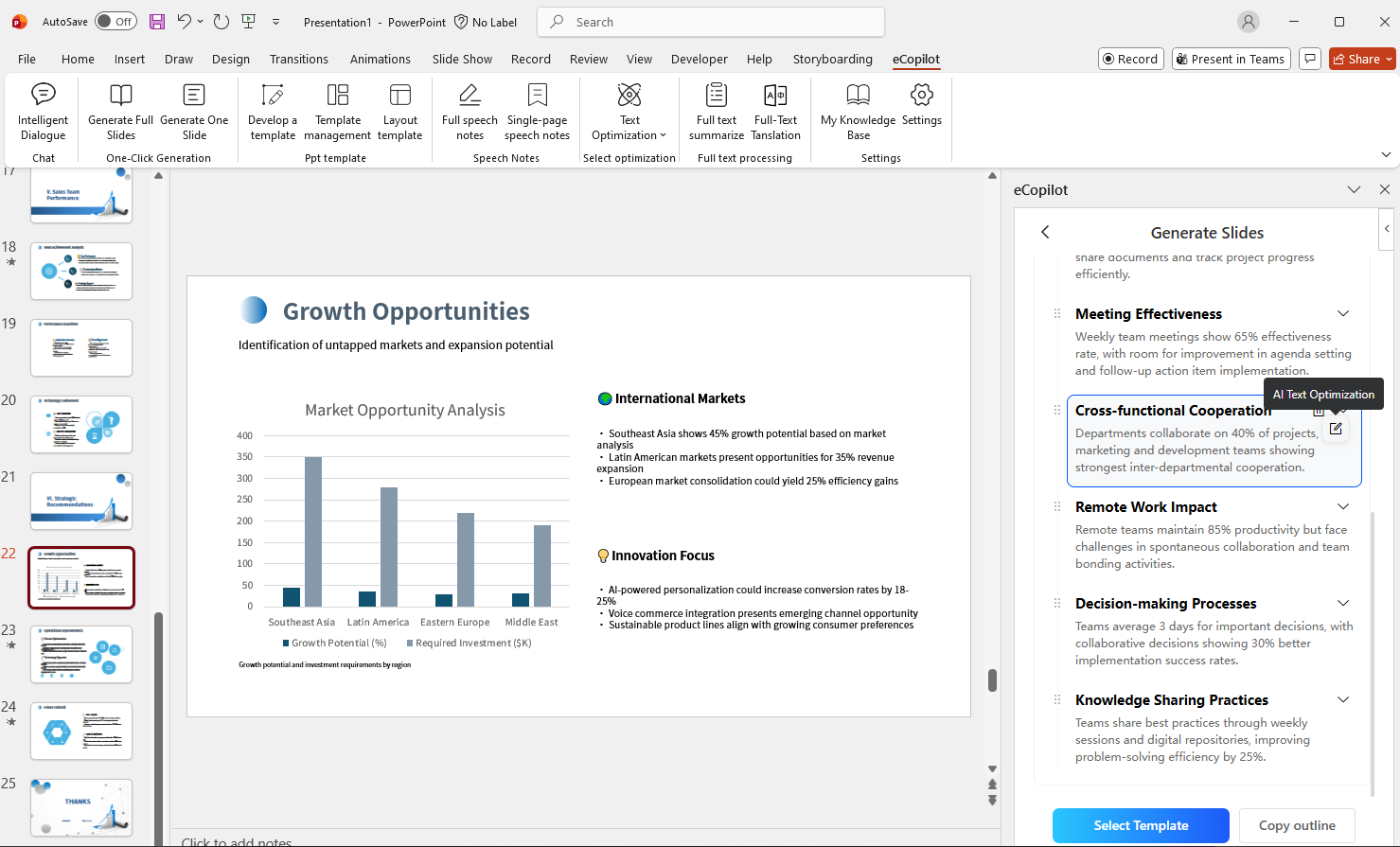
Click Select Template to view templates, select one, then click Generate to automatically create slides, as shown in Figure 1.9.