Translation
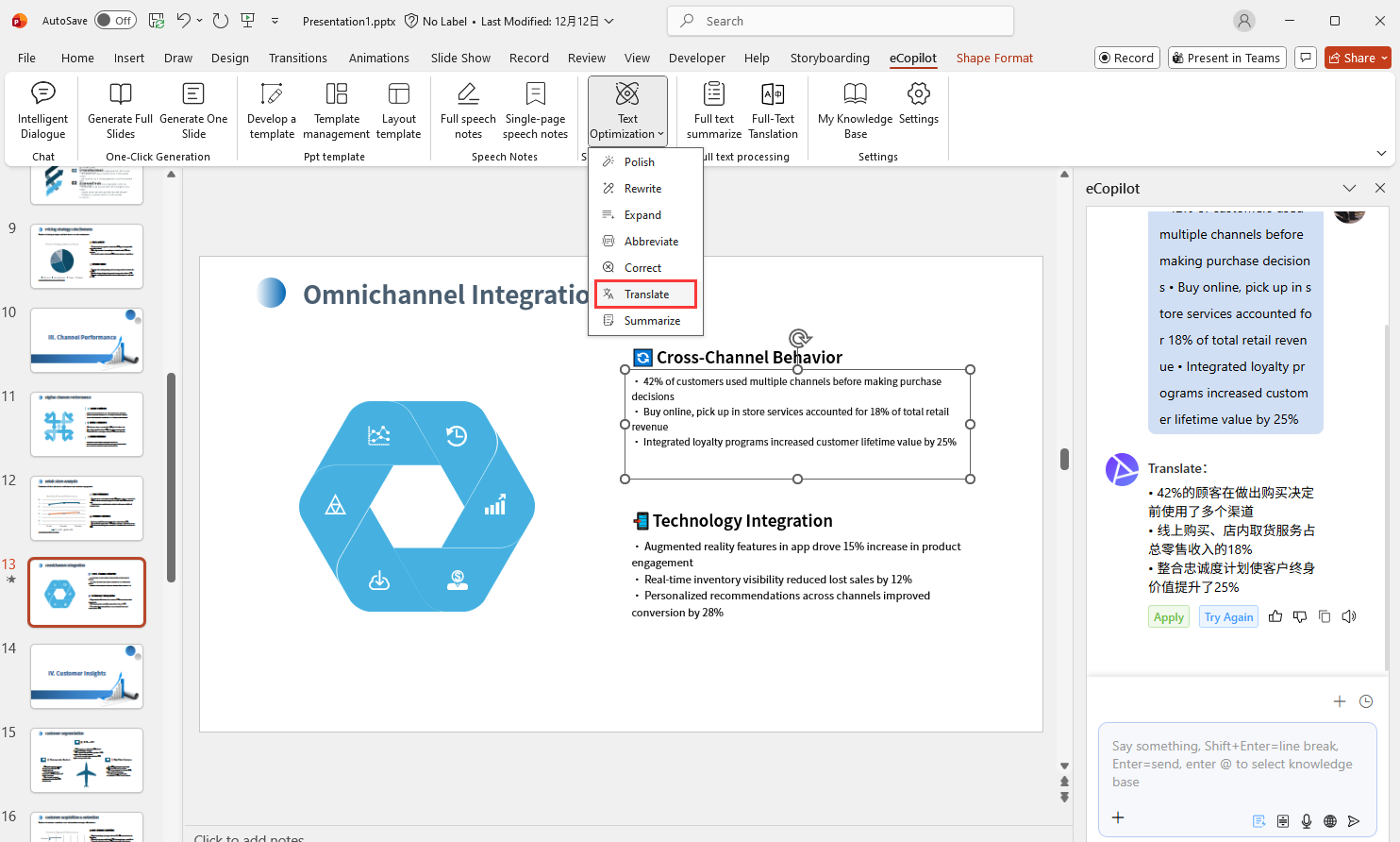
Select the text box in the slide, then click the Translate menu in eCopilot to see the content after AI translation, click Apply to replace the content of the text box, click Try Again to generate again, as shown in Figure 1.16.
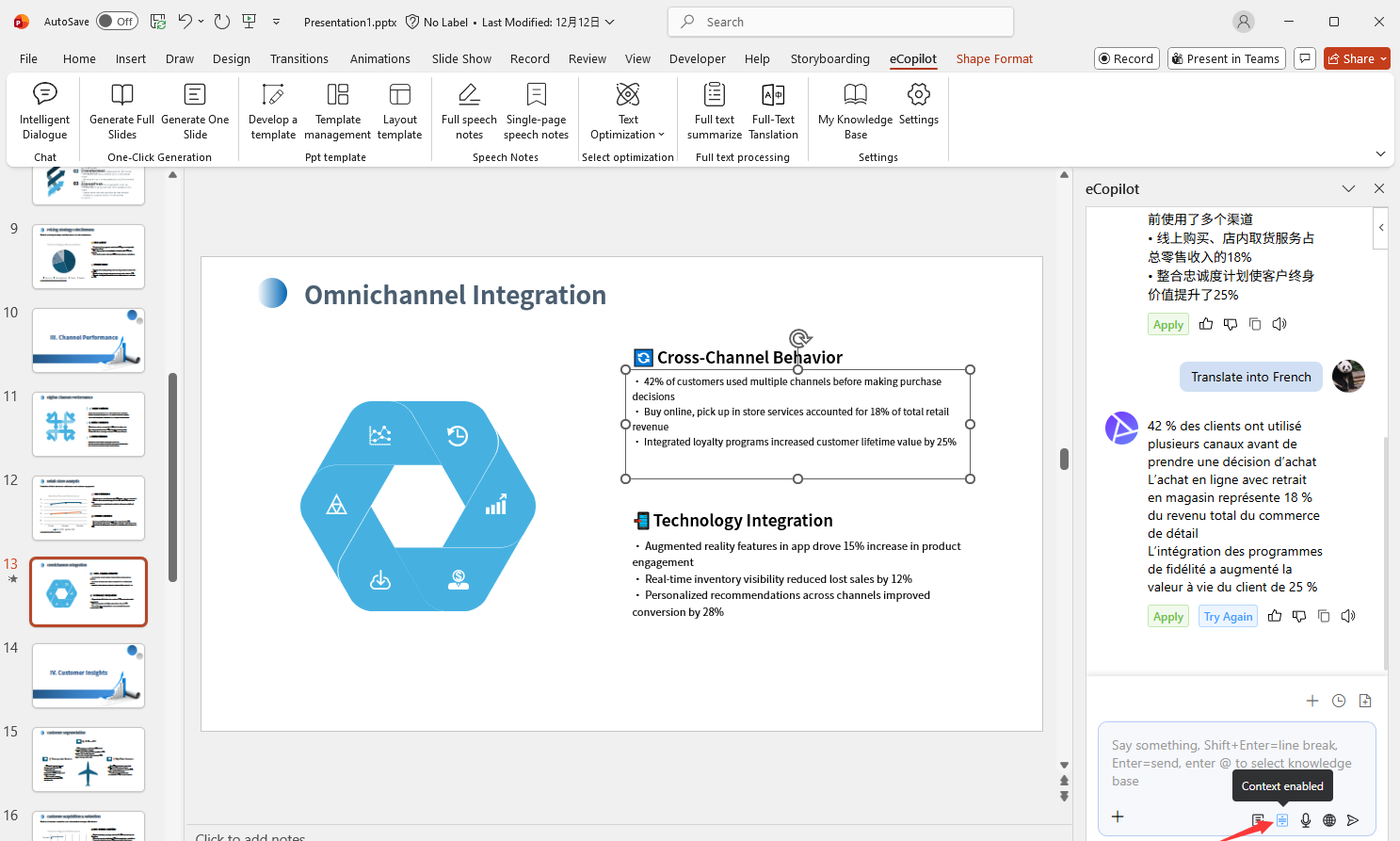
Default is Chinese-English translation. To translate into other languages, click Context enabled below the dialog box, then enter the requirement and send, such as: "Translate into French". As shown in Figure 1.17.