Skip to content
eCopilot
Search
K
Main Navigation
Download PDF
Update Logs
English
简体中文
English
简体中文
Appearance
Menu
返回顶部
Contents
Article Generation
Operation Steps
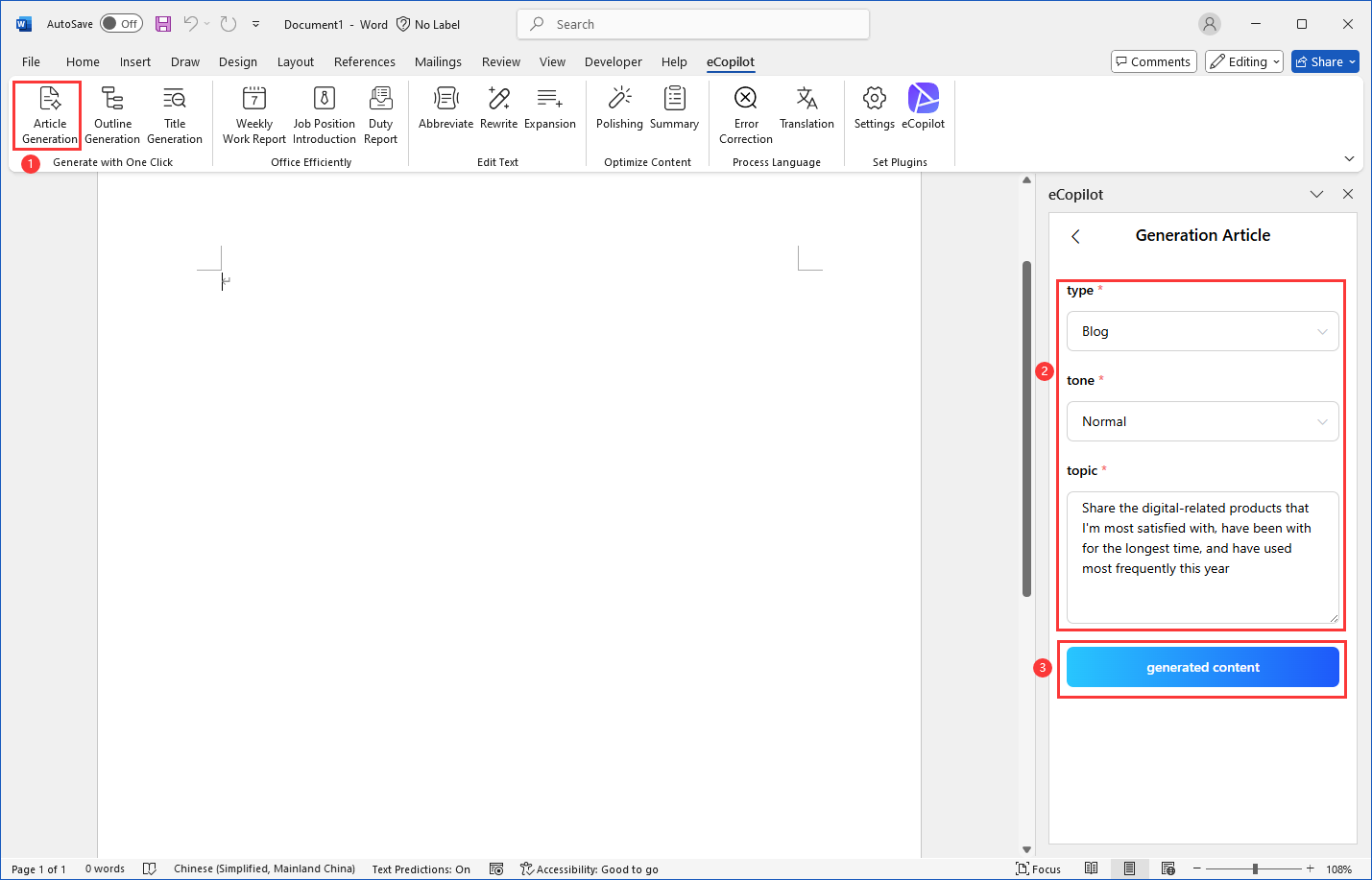
Open the Word file, click the eCopilot-"Article Generation" menu in the top menu bar, as shown in figure.
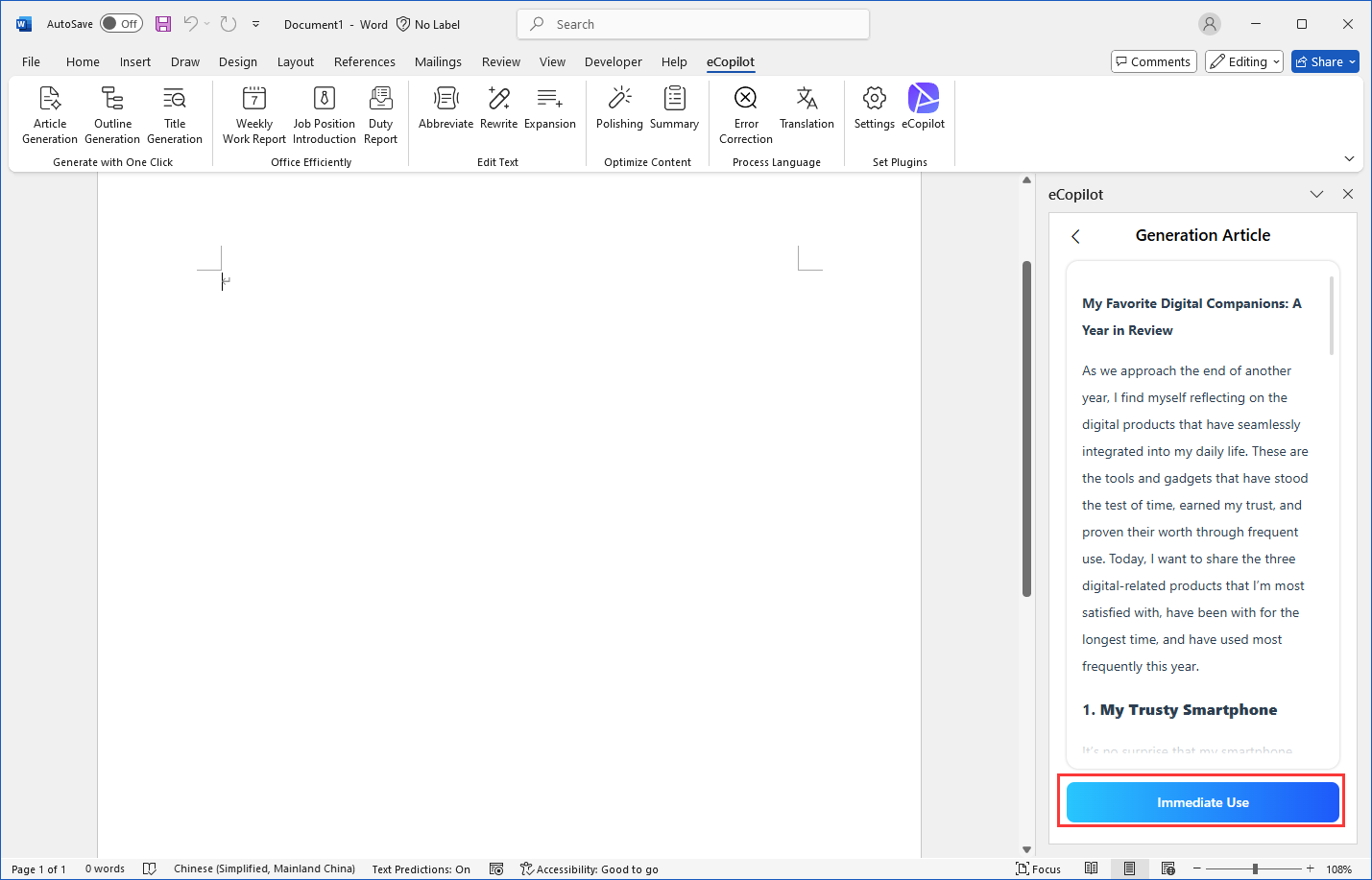
After the generation is completed, click the [Immediate Use] button to insert the content into the cursor position.