
Email Summary
Operation Steps
- Select an email in the inbox, enable eCopilot, and the assistant's 'Email Overview' will summarize the content of the email, as shown in figure.
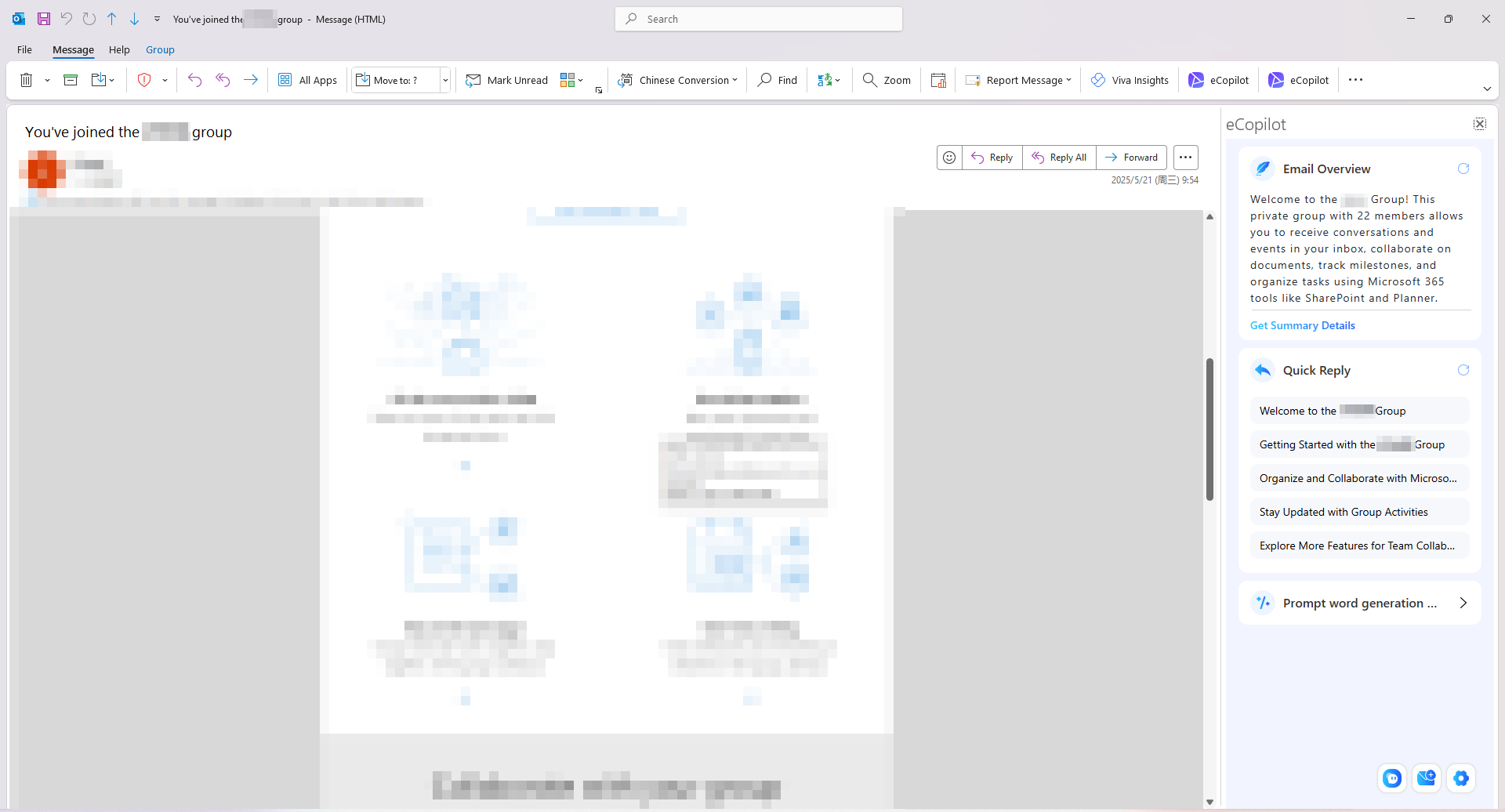
- You can choose'Quick Reply' to reply to the email content
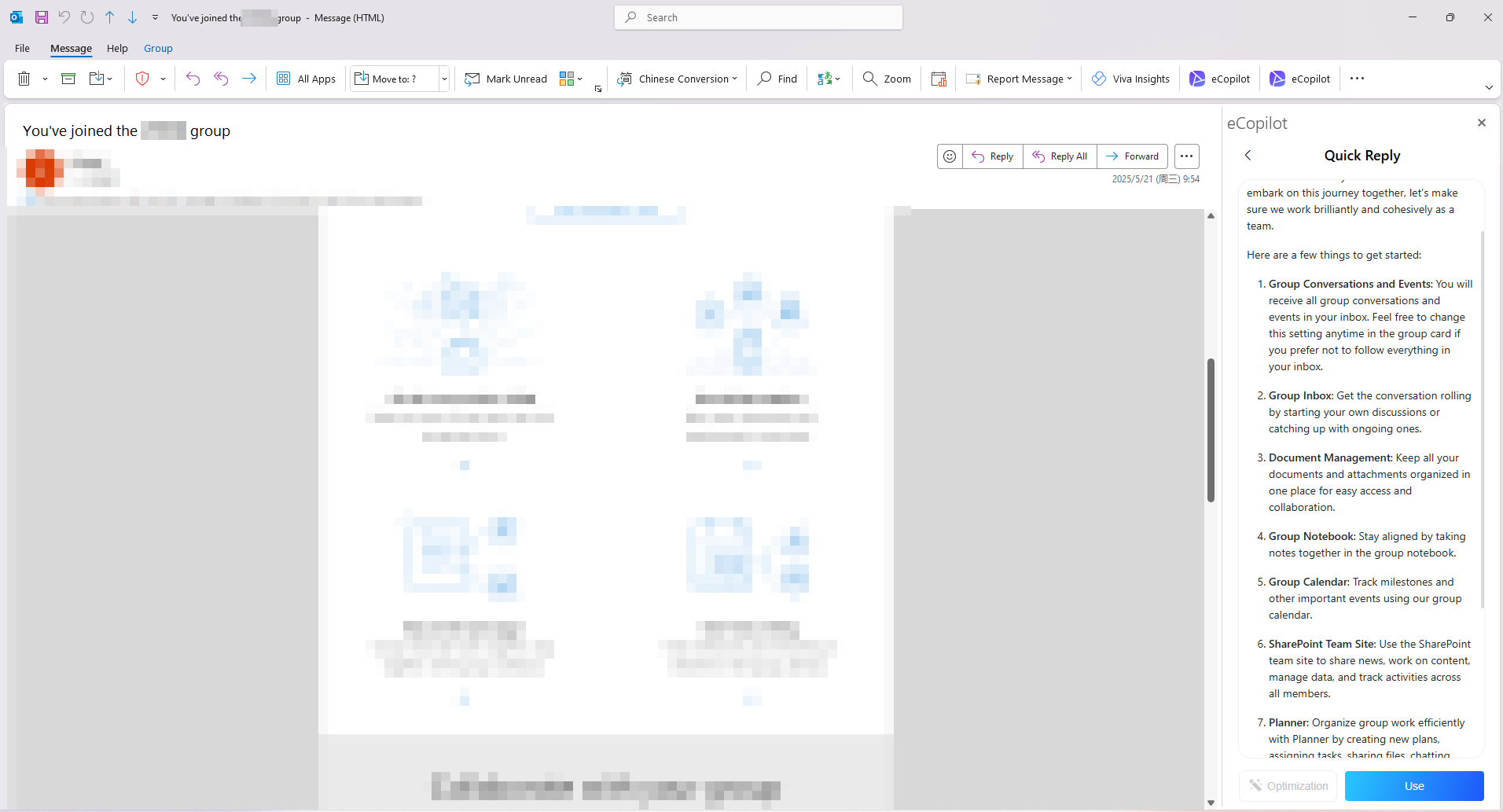
- You can choose the pdf files in the email for analysis and summarization.