File Q&A
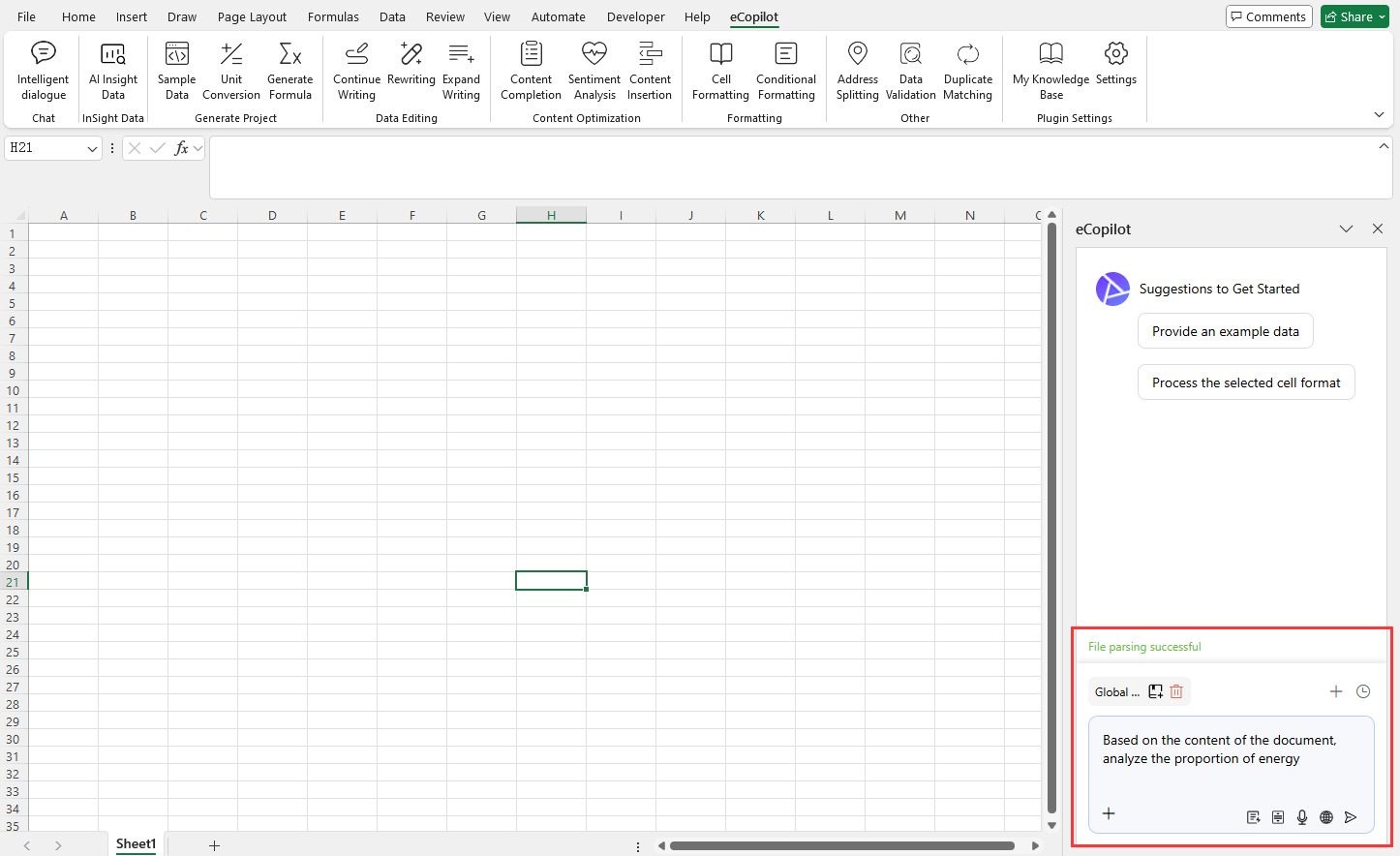
Click the + icon in the lower-left of the text box to upload a file, then enter your requirement. After the file uploads successfully, click Send, as shown in Figure 4.21.
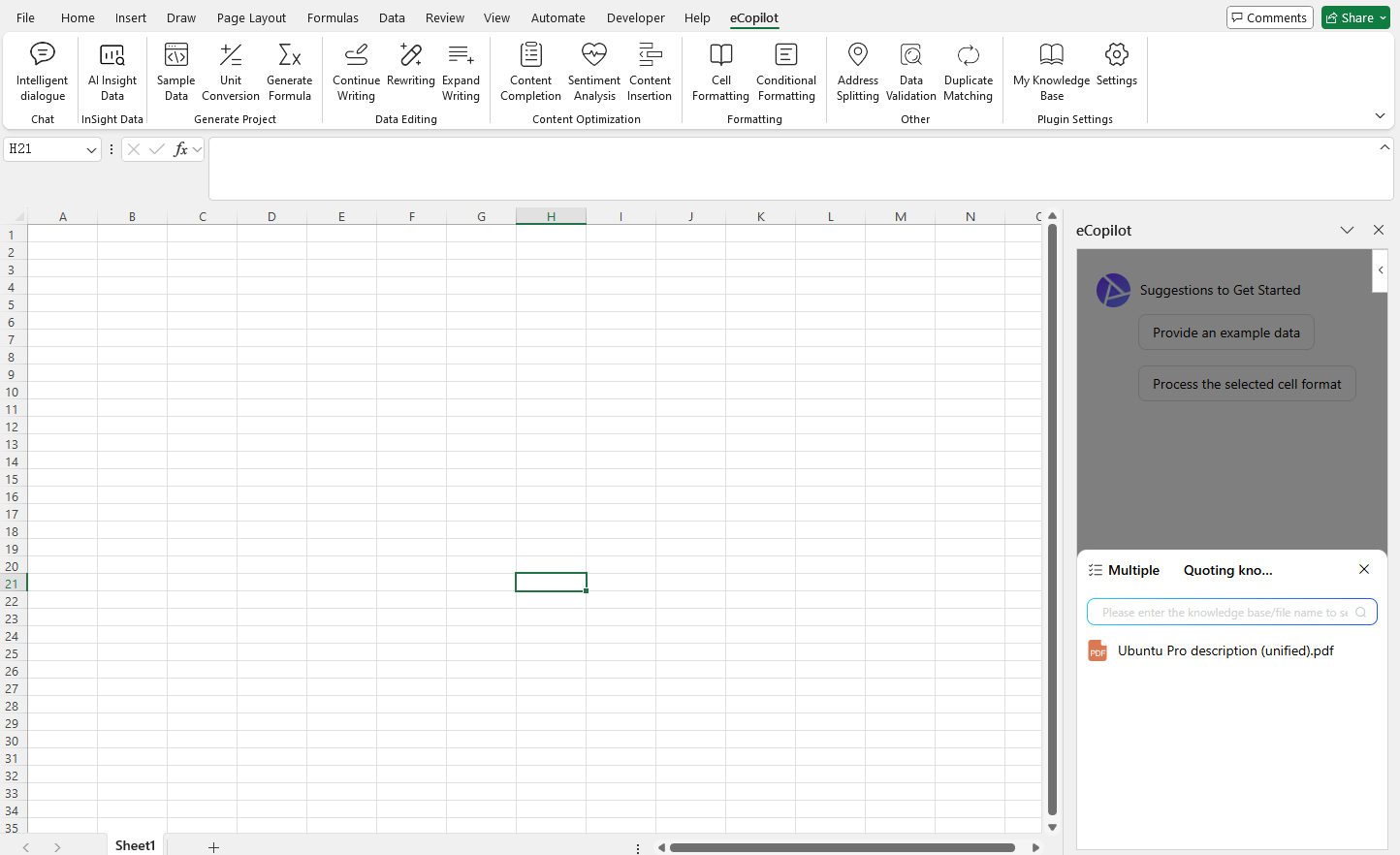
You can also type @ in the chat box to reference files from the knowledge base for Q&A or content creation, as shown in Figure 4.22.