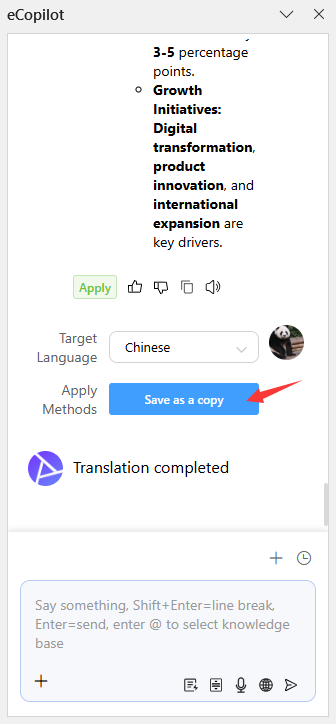
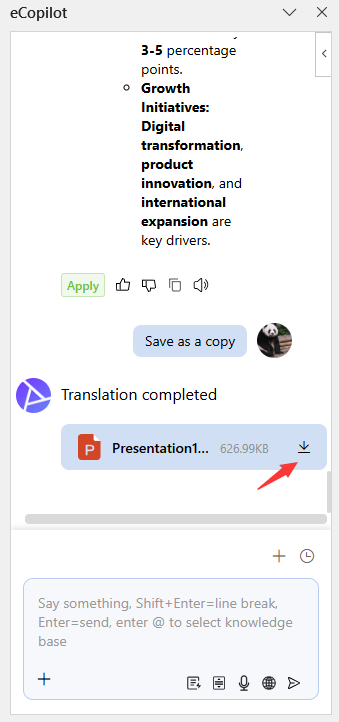
Full Content Translation
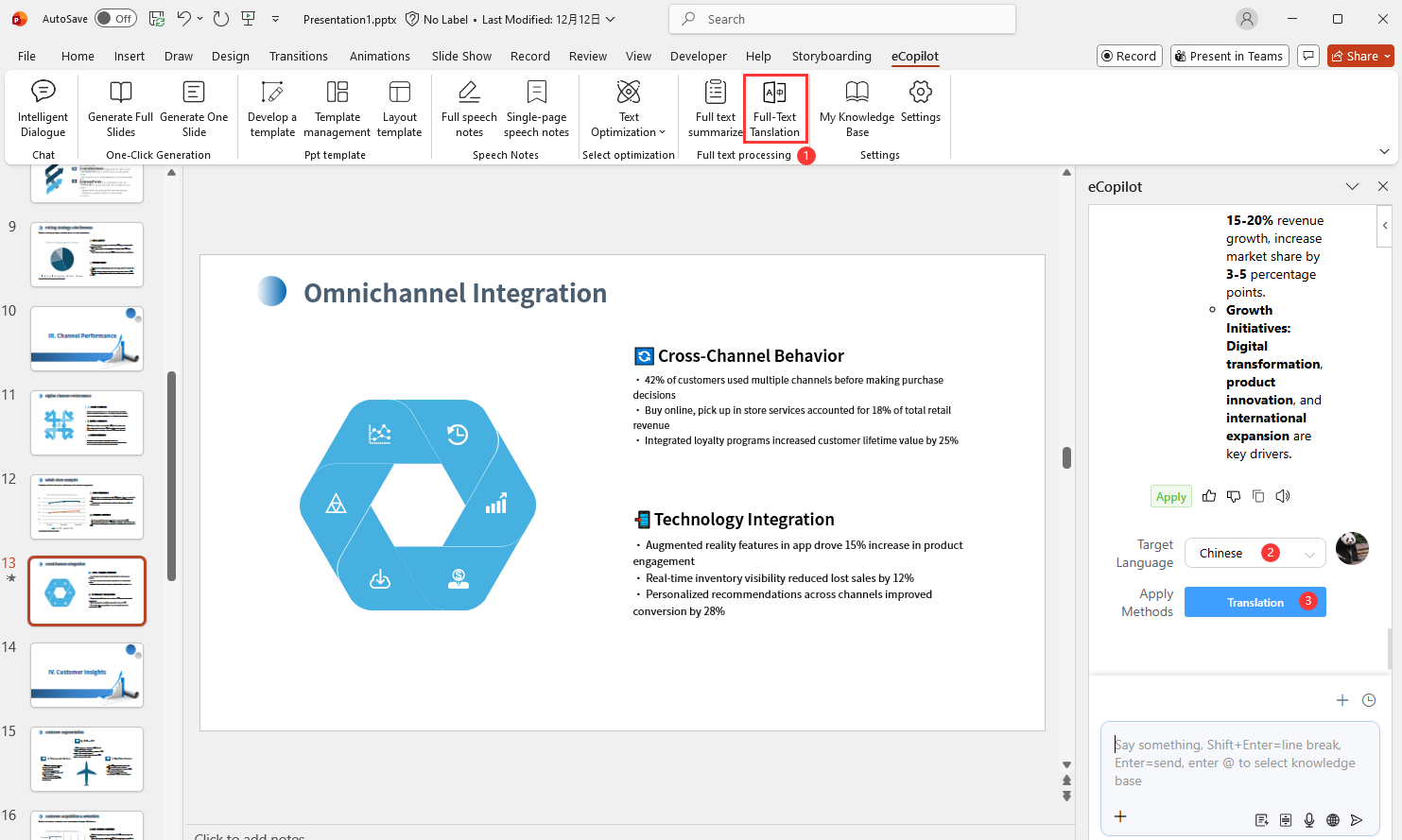
Click Full Content Translation in eCopilot and select the target language, as shown in Figure 1.19.
After translation completes, click Save as Copy and Download to save the translated file to your computer, as shown in Figure 1.20.