Login
Prerequisites
- Installed eCopilot plugin for PowerPoint
Login Steps
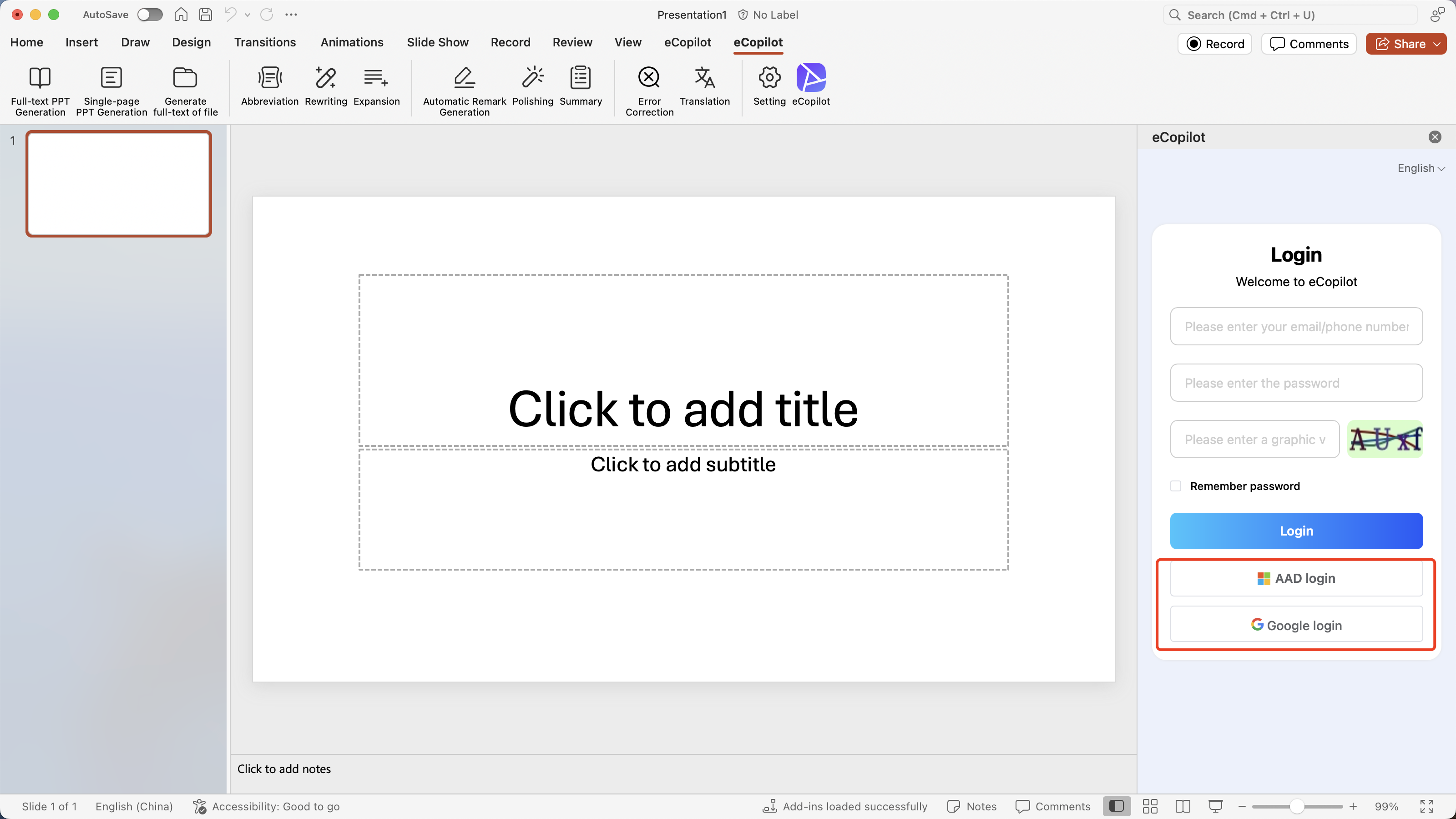
Enable PowerPoint, click "eCopilot" in the start menu, and the login page will open in the right sidebar. Enter your user account, password, and verification code, then click "Login" to log into the system, as shown in figure.
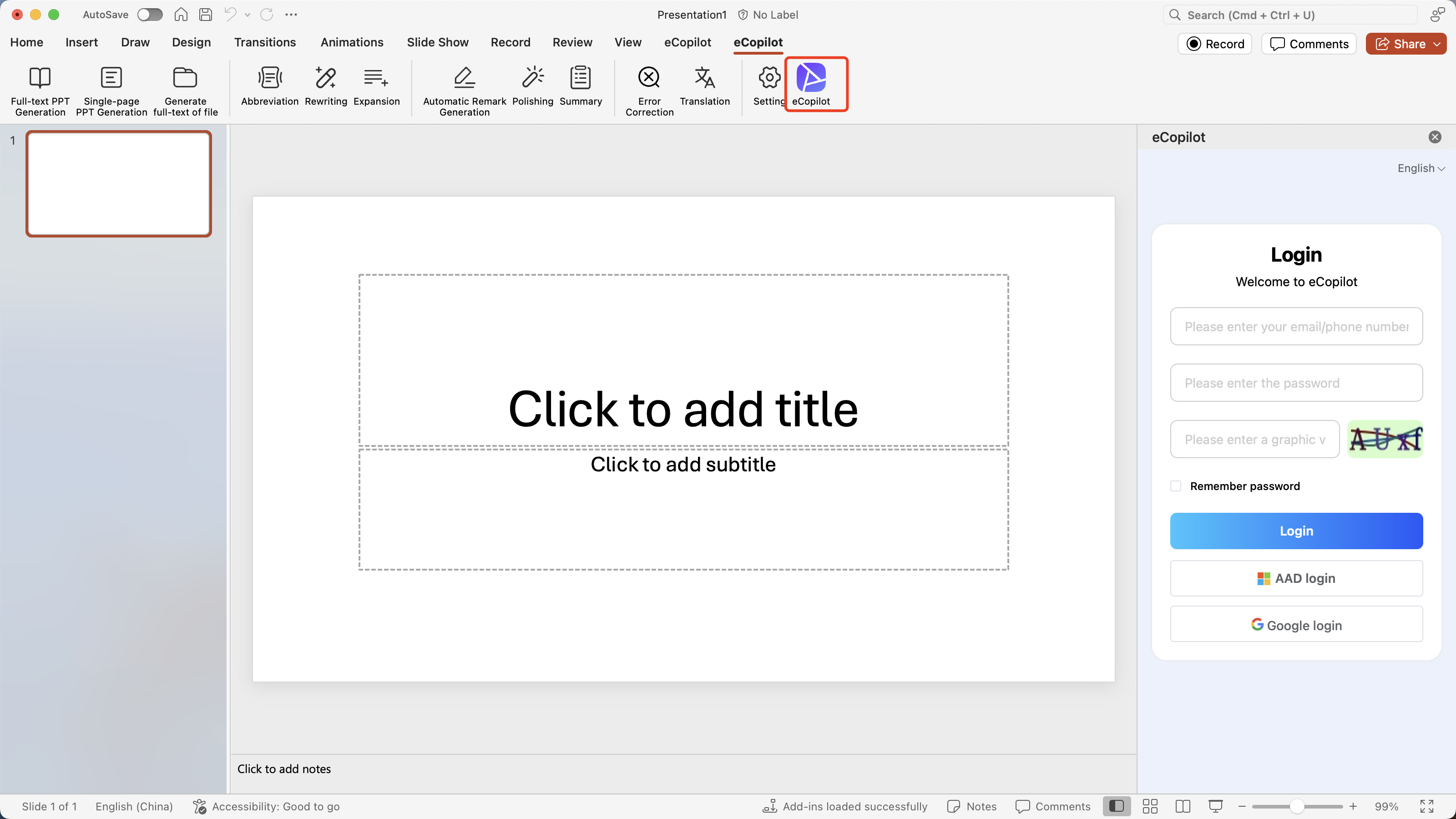
If the AAD/Google configuration is added to the backend and AAD/Google user information is imported, you can also use your enterprise AAD/Google account to log in. Click the [AAD/Google Login] button to jump to the Azure/Google authentication page, enter the enterprise user's email and password to log in, as shown in figure.