Translation
Operation Steps
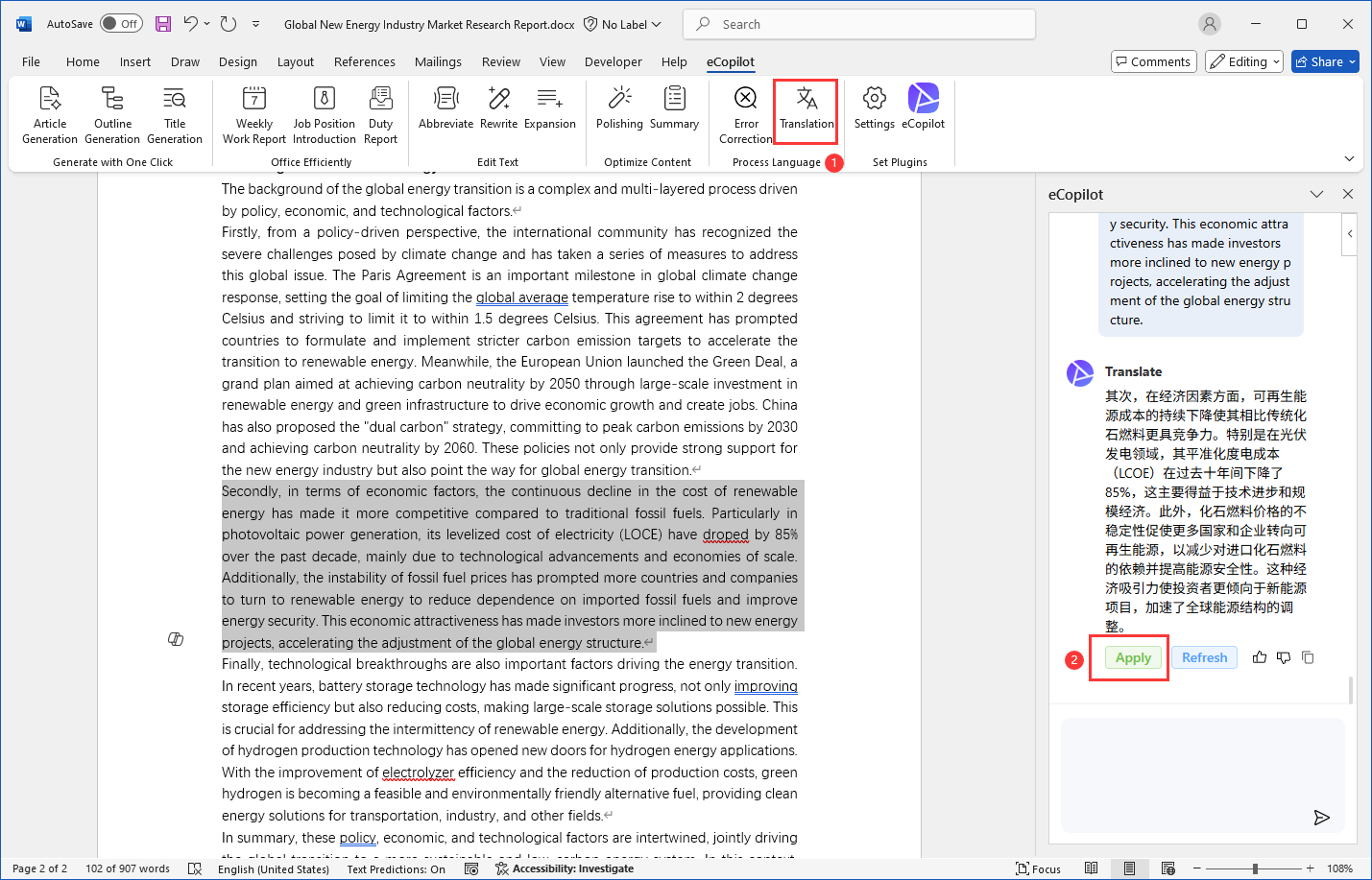
Select the text you want to translation and click the [Translation] menu. After the generation is completed, click [Apply] to replace the selected text or insert it into the cursor, as shown in the figure.
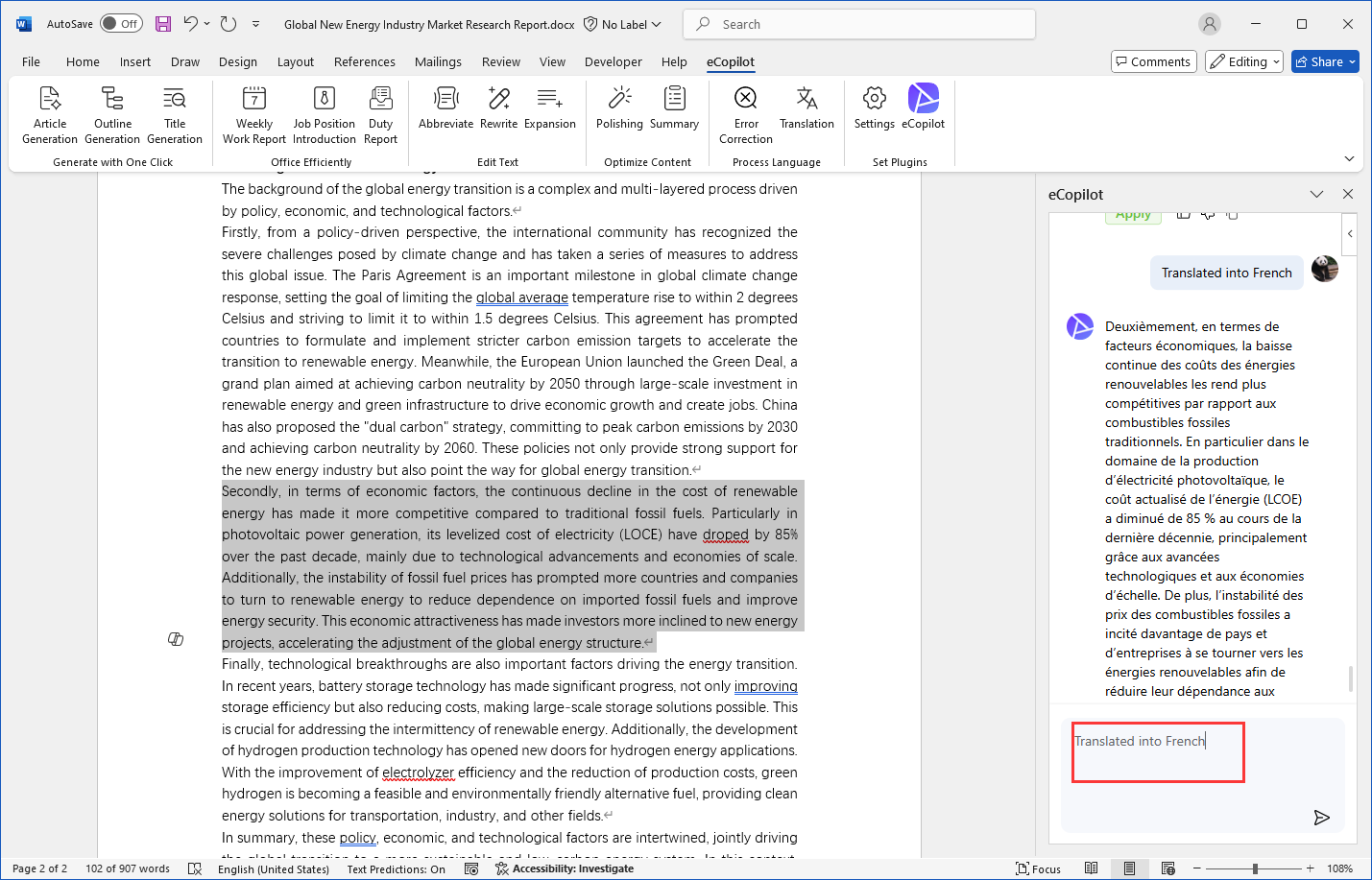
If you want to translate it into other languages, you can enter "Translate into XX language" in the input box and send it. As shown in the figure.