Skip to content
eCopilot
Search
K
Main Navigation
Download PDF
Update Logs
English
简体中文
English
简体中文
Appearance
Menu
返回顶部
Contents
Generate Sample Data
Operation Steps
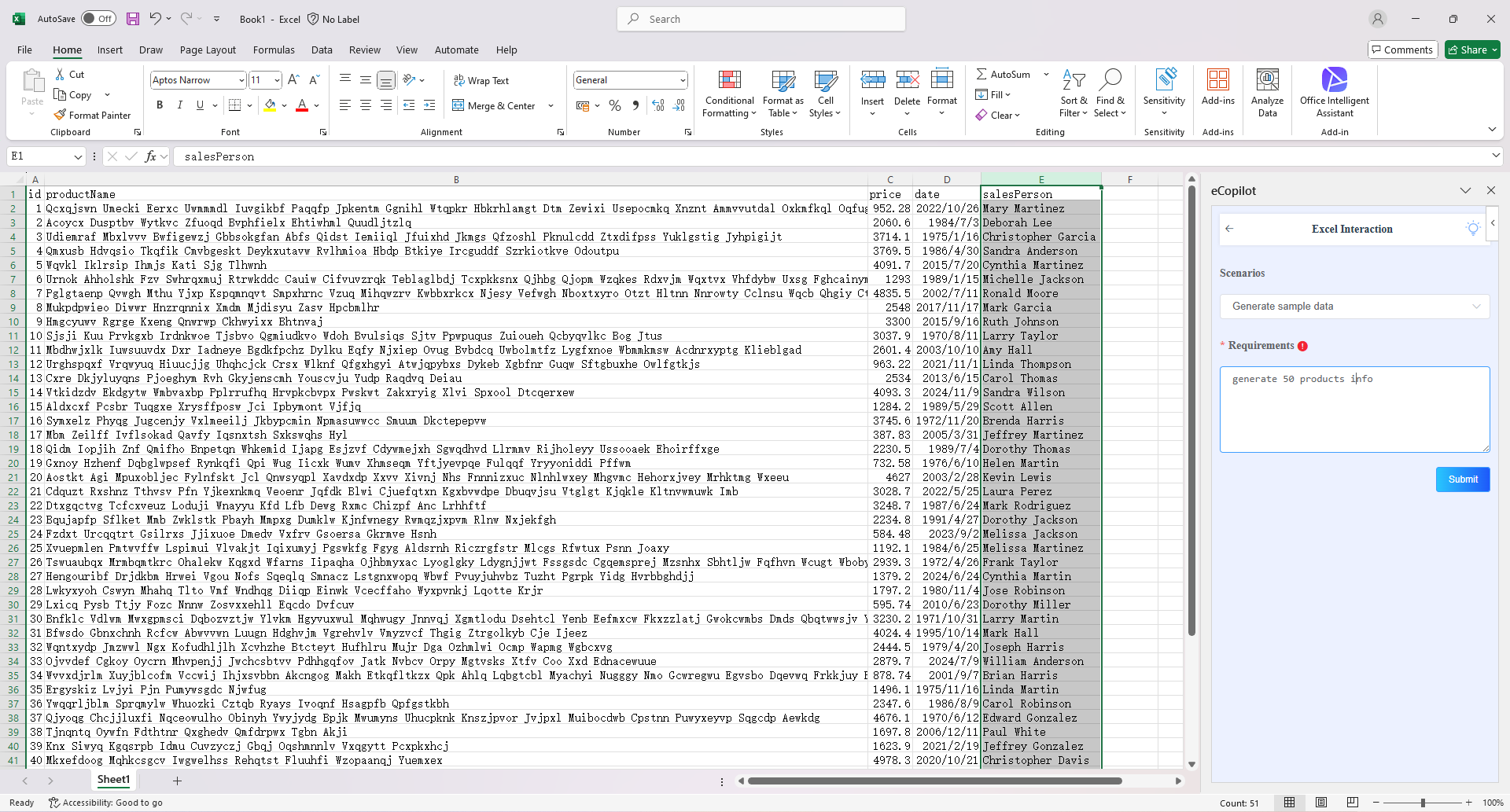
Select the "Generate Sample Data" option, enter the information, then click the "Submit" button. The generated results will be displayed in the Excel table, as shown in figure.
Note
Click the light bulb icon to view the operation guide.