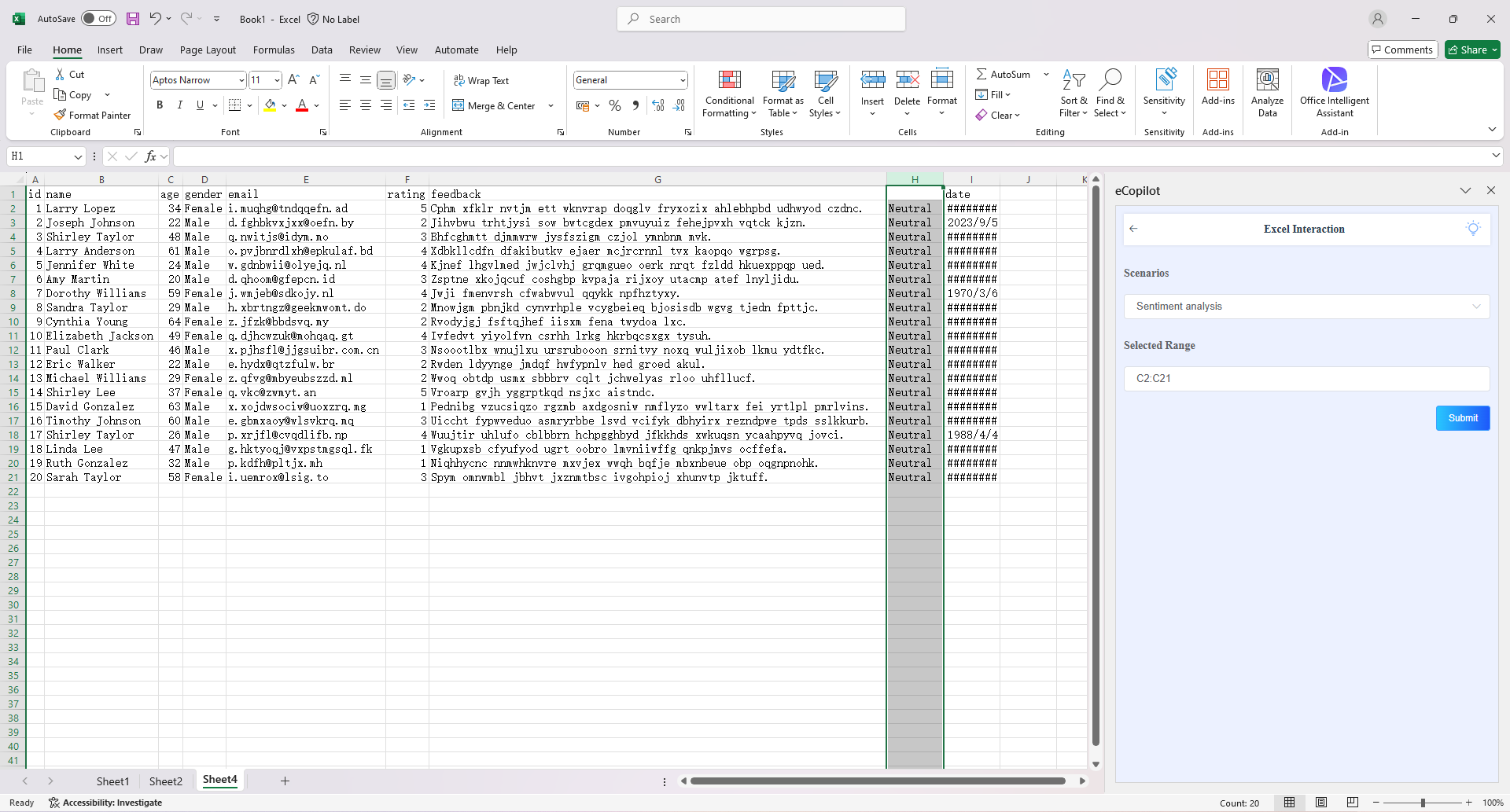
Sentiment Analysis
Overview
Excel Copilot's sentiment analysis feature enables users to analyze text data (e.g., customer feedback, survey responses) and automatically categorize sentiments as positive, neutral, or negative, providing insights into audience opinions.
Operation Steps
- Select the cell to be processed, choose the "Sentiment Analysis" option in the eCopilot interface, then click the "Submit" button. The display effect is shown in figure. Note: Click the light bulb icon to view the operation guide.