One-Click Generation
Feature Overview
When the user only knows the theme and has no other ideas, use this option to assist in generating a draft of the slides.
Operation Steps
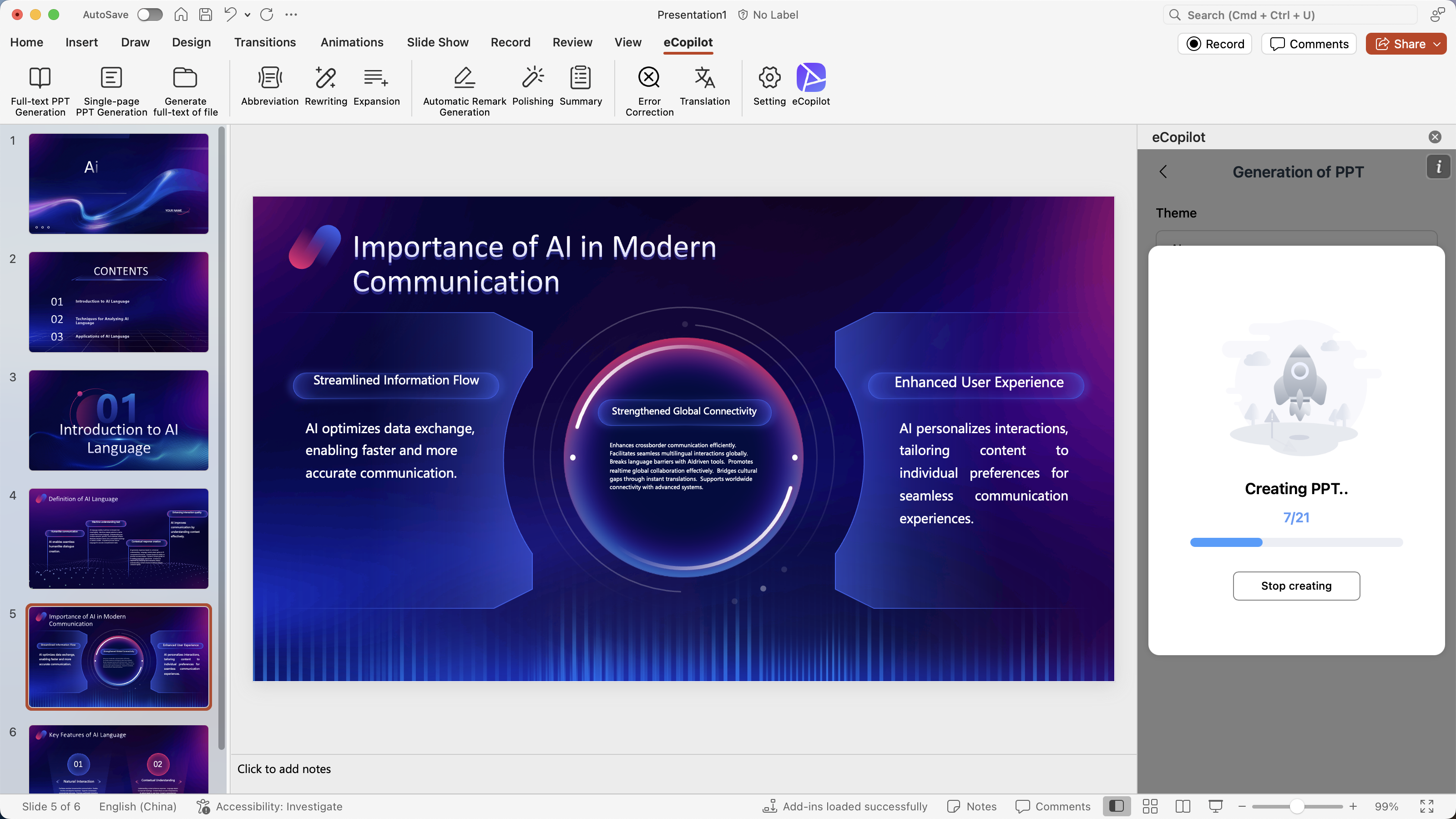
- After successful login, as shown in figure.
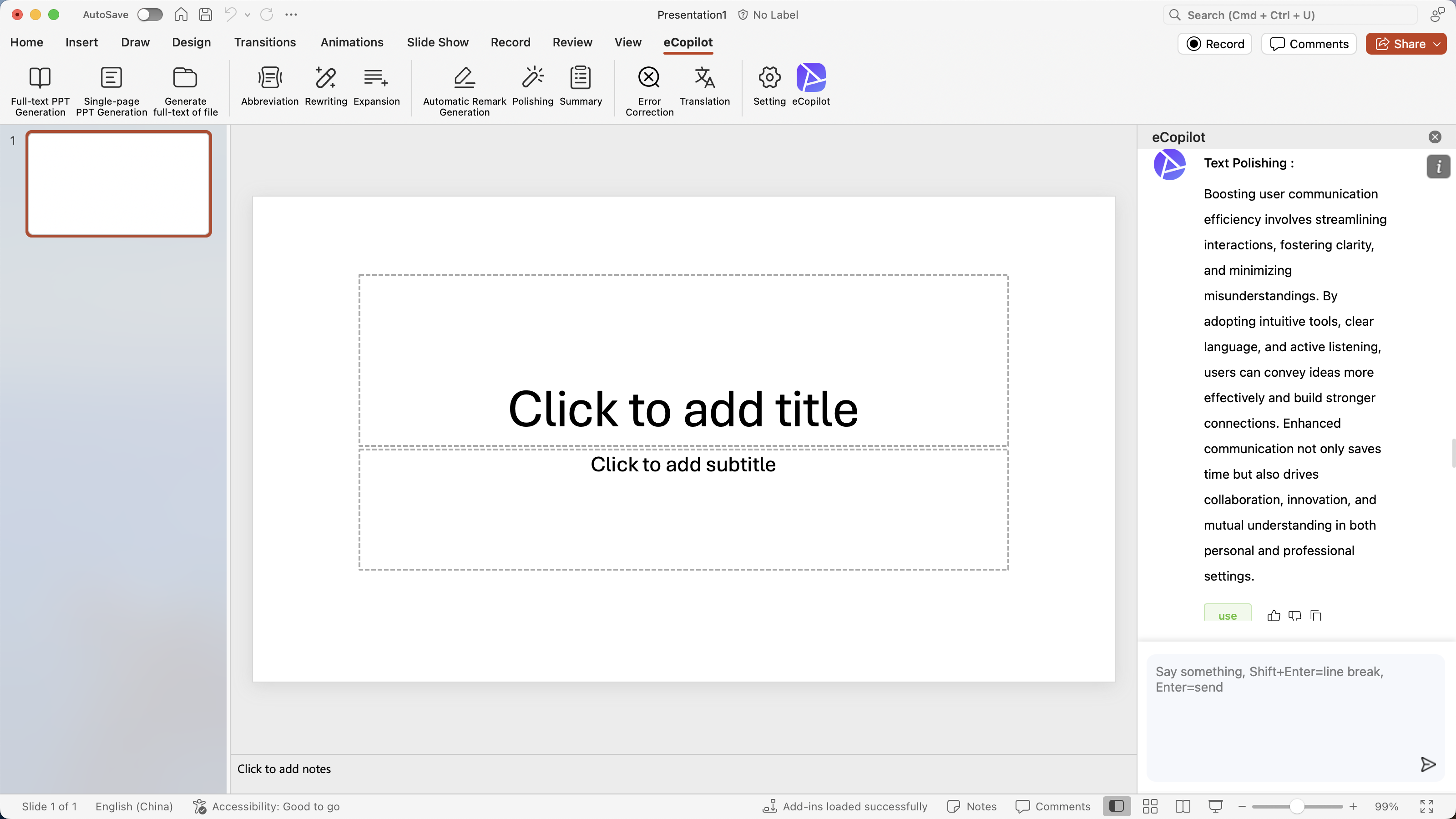
- You can choose [Gen Full Text PPT] or [Gen Singal Page PPT] menu in the above figure to jump to the creation interface, then enter the theme of the slides, as shown in figure.
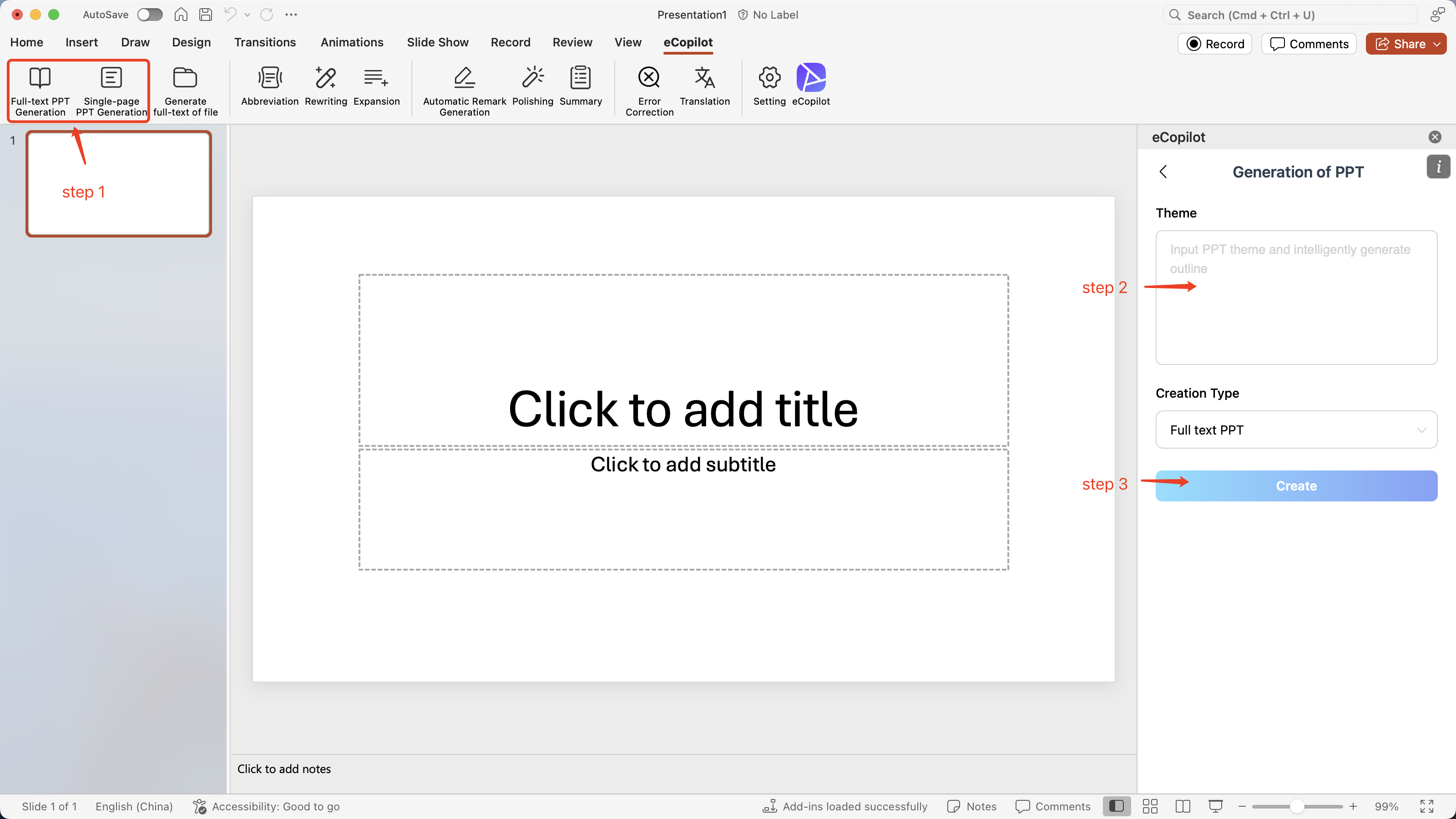
- Click the [Create] button and wait for the AI to generate a directory outline for the theme. After the generation is complete, you can add, delete, and modify the directory, as shown in figure.
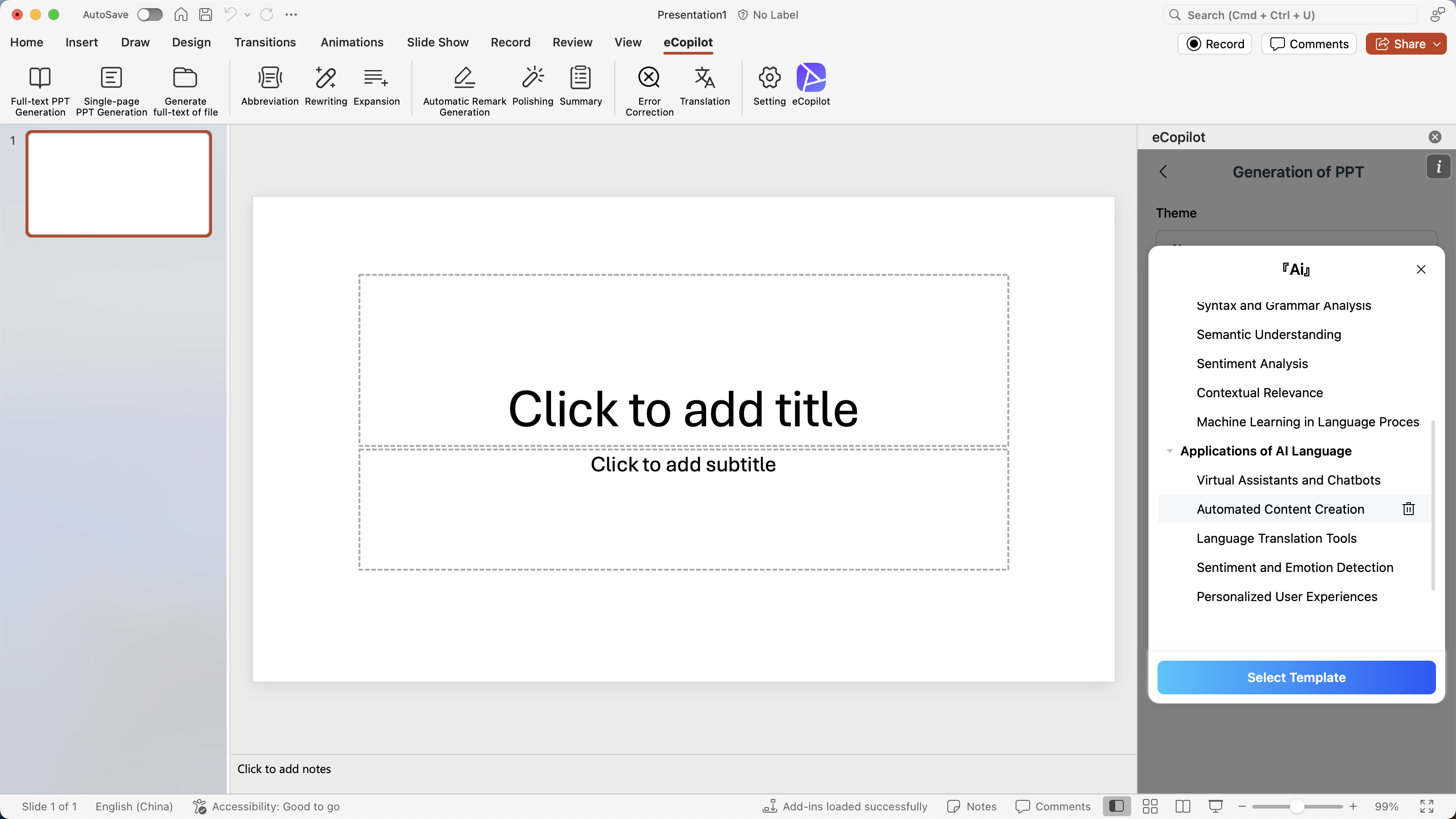
- After modifying the outline, click the [Select Template] button, and a random PowerPoint template will be displayed. Choose one of the templates, as shown in figure.
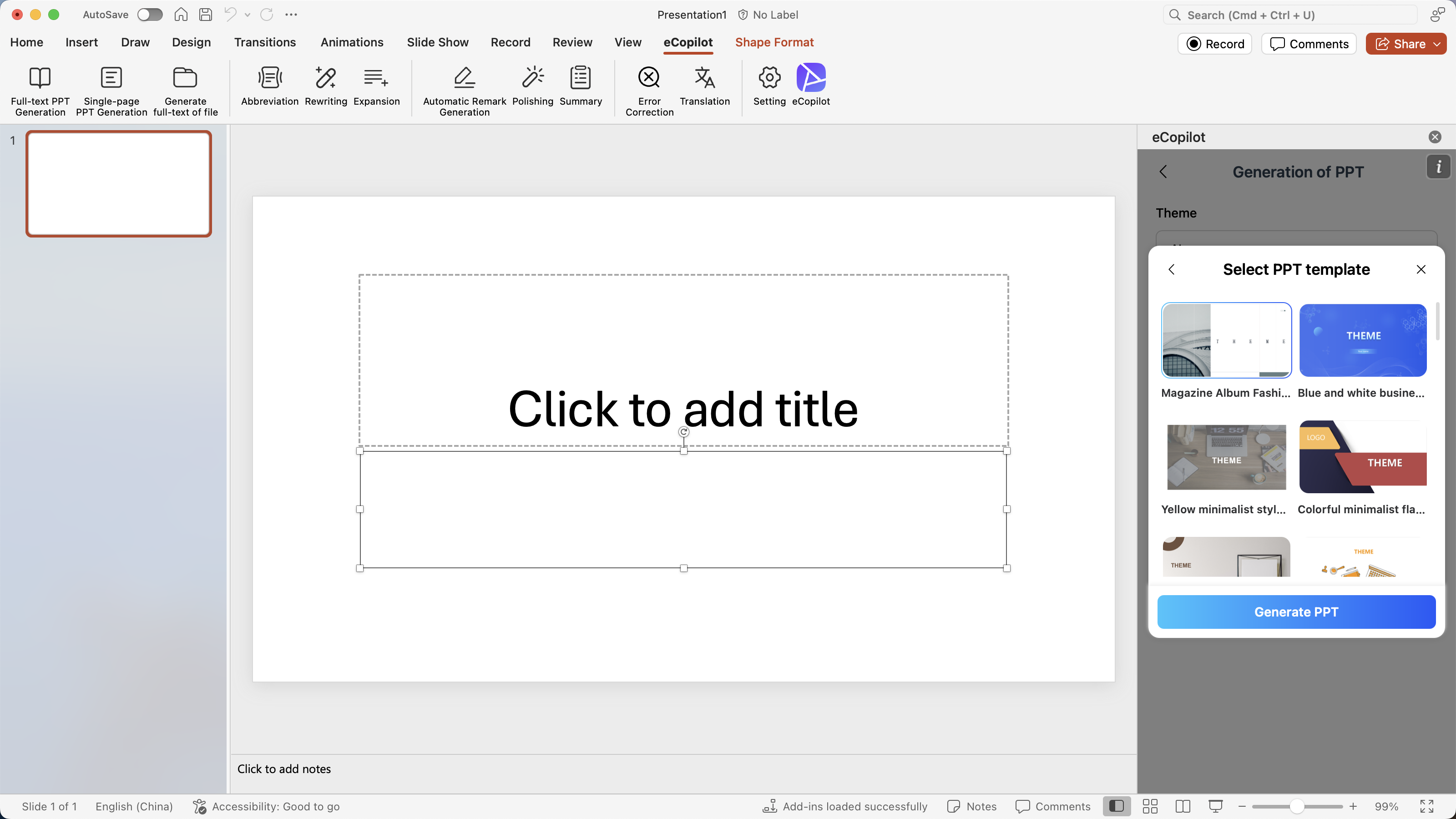
- After selecting the template, click the [Generate Slides] button, and the slides will be automatically generated in POWERPOINT, as shown in figure.