
Conditional Formatting
Overview
Conditional formatting in Excel Copilot allows you to visually highlight data based on specific rules, making it easier to analyze trends and outliers.
Operation Steps
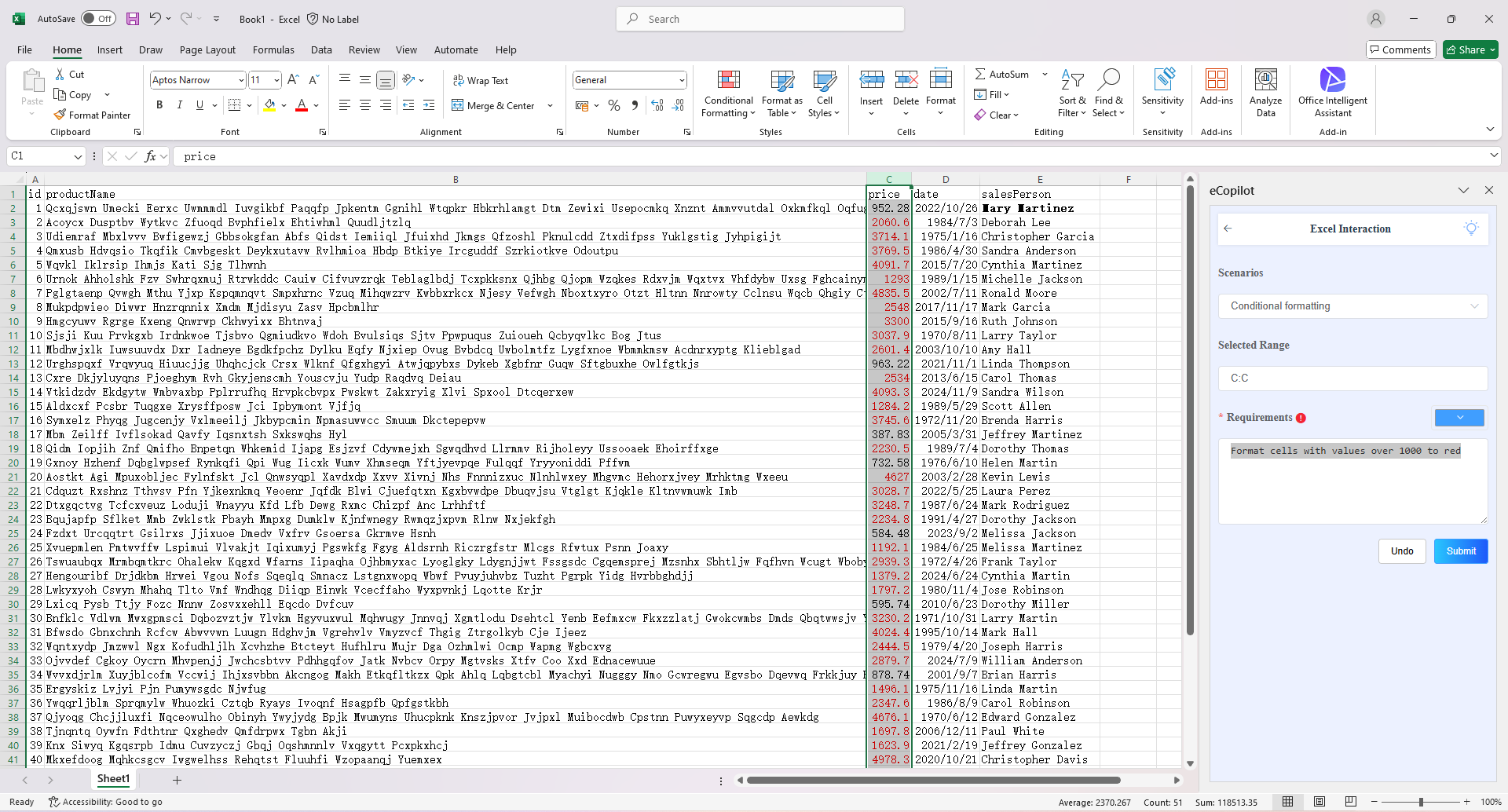
- Select the cell to be processed, choose the "Conditional Formatting" option in the eCopilot interface, enter the information, then click the "Submit" button. The display effect is shown in figure.
Notes
- Click the light bulb icon to view the operation guide.