Unit Conversion
Overview
Excel Copilot's unit conversion feature allows users to automatically convert values between different units (e.g., length, weight, currency) by describing the conversion requirement in natural language, simplifying data processing tasks.
Operation Steps
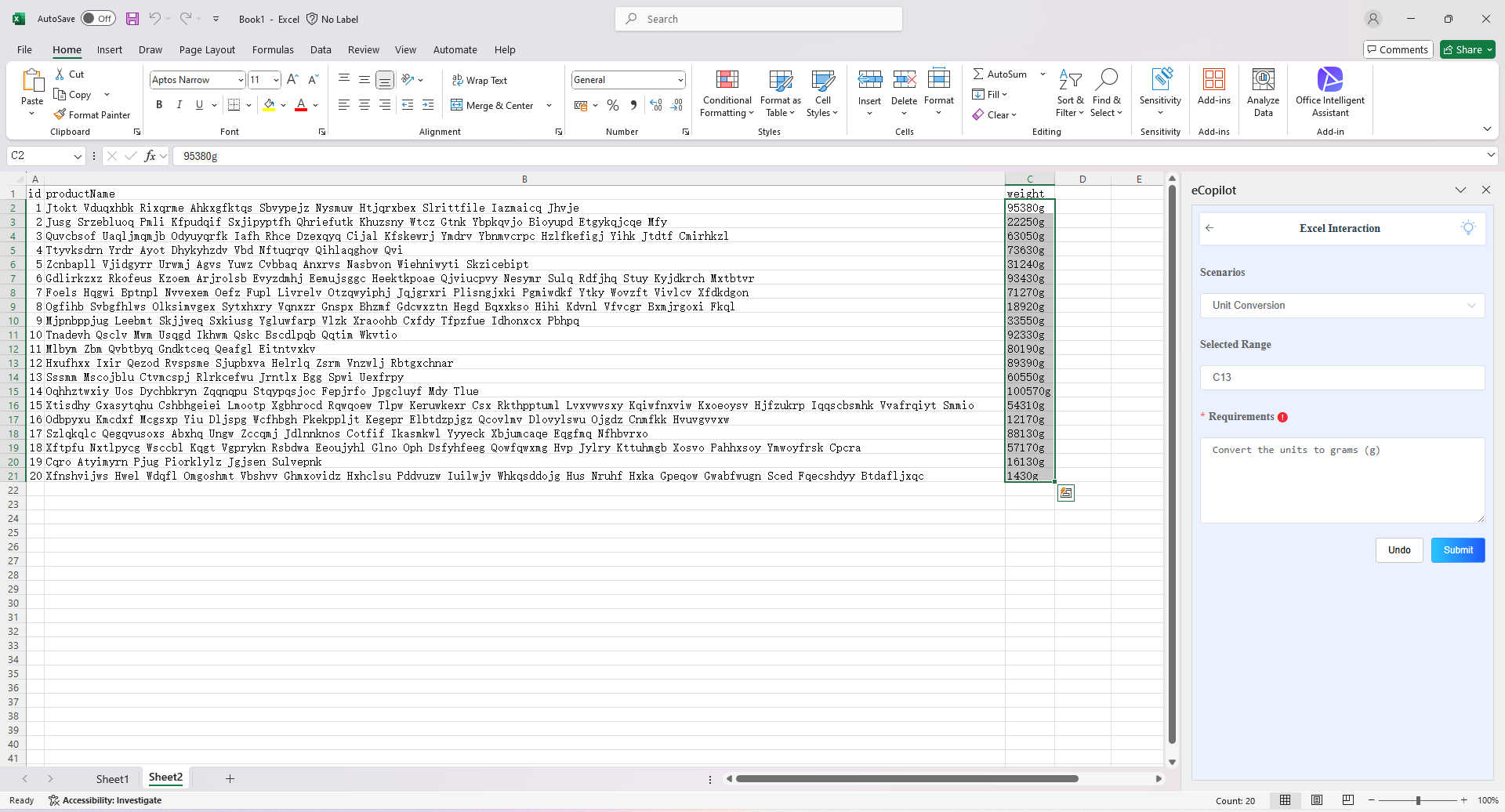
1.Select the cell to be processed (the number must be followed by a unit), choose the "Unit Conversion" option in the eCopilot interface, enter the information, and then click the "Submit" button. The display effect is shown in Figure 4.9. Note: Click the light bulb icon to view the operation guide.