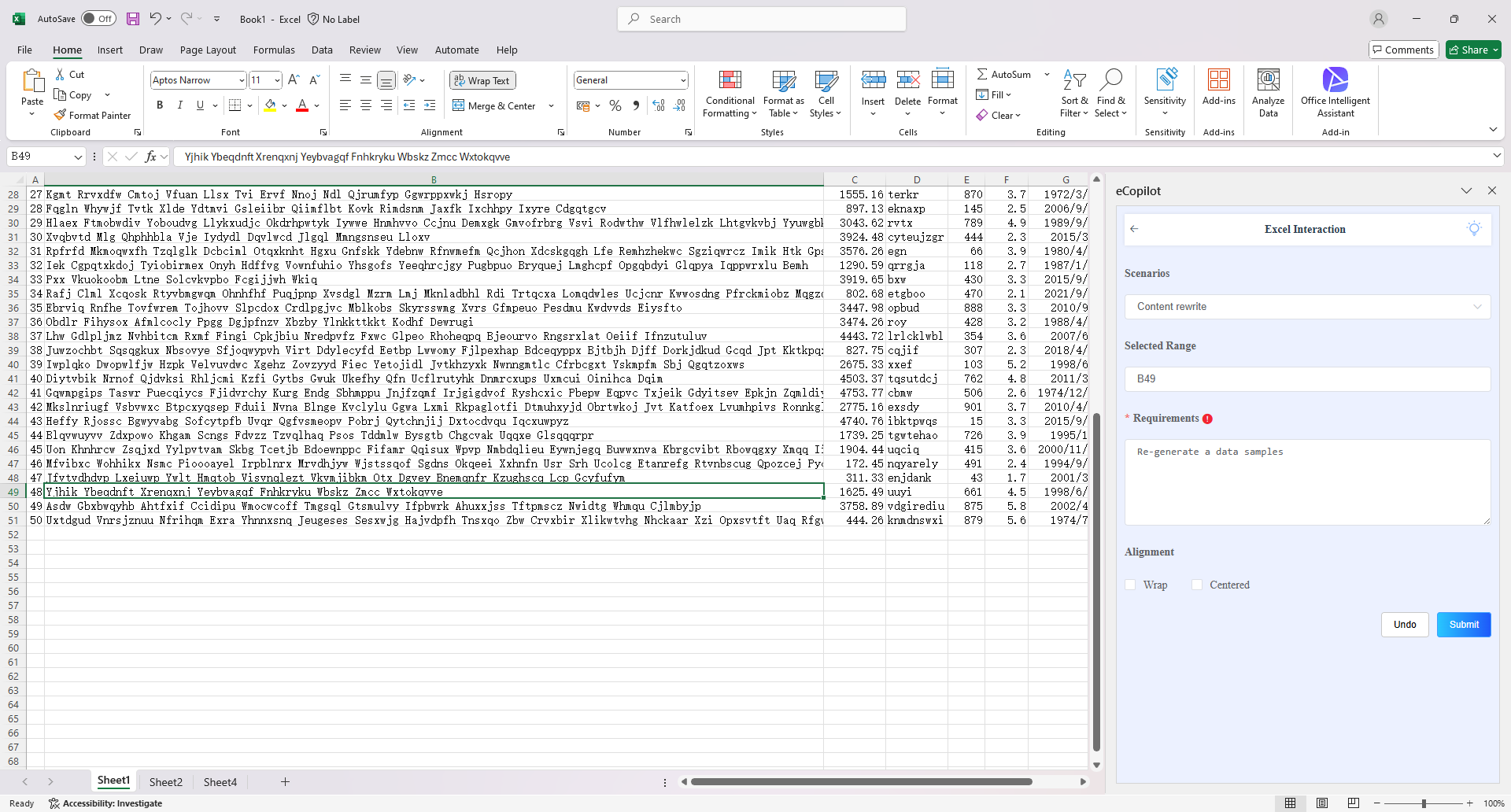
Content Rewriting, Expansion, Continuation & Completion
Overview
Excel Copilot's content processing feature allows users to rewrite, expand, continue, or complete text content in cells (e.g., product descriptions, notes) using natural language commands, enhancing data quality and completeness.
Operation Steps
- Select the cell to be processed, choose the "Content Rewriting," "Content Expansion," "Content Continuation," or "Content Completion" option in the eCopilot interface, enter the required information, then click the "Submit" button. The generated result will directly replace the cell content. This operation cannot be undone, so it is recommended to save the file before proceeding. Note: Click the light bulb icon to view the operation guide.