
Cell Formatting
Operation Steps
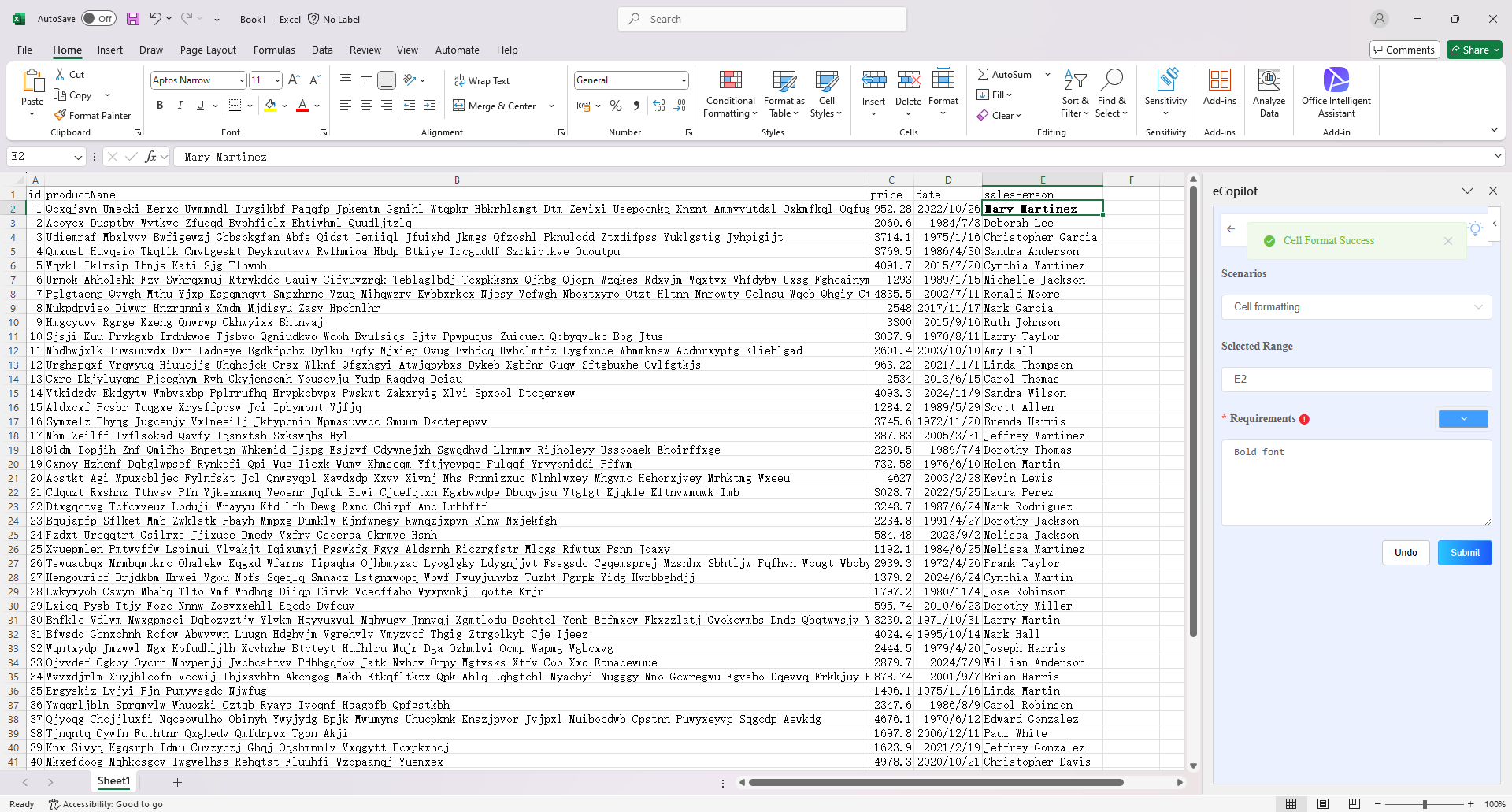
- Select the cell to be processed, choose the "Cell Formatting" option in the eCopilot interface, enter the requirements (if you need to set the color, you can click the color palette in the upper right corner of the input box to select the color code), then click the "Submit" button. The display effect is shown in figure.
Note
- Click the light bulb icon to view the operation guide.